

It is pearOS, but with Arch Base. Yes! It uses vanilla arch, less bugs, easier, better etc.
I had enough with Debian-based distros. pearOS with an Arch base solves some of the big problems with pearOS, for example:
"This requires you to reinstall with every new release"
"
sudo apt upgradewould/will destroy your installation"
Not anymore. With Arch, there's no more base-hopping. Now, with Arch, the system is now Rolling Release, as it should be :>
You can do now sudo pacman -Syu and you will stil have the pearOS branding.
Make sure you satisfy the dependencies in the section below.
After that, run sudo ./build-binary and pray wait.
Note: The build script must be run as root (using sudo) since it needs to create chroot environments and install packages.
# Core build tools
sudo pacman -S arch-install-scripts    # Provides pacstrap and arch-chroot
sudo pacman -S mtools                  # Provides mcopy, mmd for FAT filesystem operations
sudo pacman -S squashfs-tools          # Provides mksquashfs for creating squashfs images
sudo pacman -S xorriso                 # Creates the final ISO image
sudo pacman -S e2fsprogs               # Provides mkfs.ext4 and tune2fs for filesystem creation
sudo pacman -S git                     # Required for cloning pearOS-installer during build
sudo pacman -S pv                      # Required to see progress bars
# For EROFS image type support (if used in profiledef.sh)
sudo pacman -S erofs-utils             # Provides mkfs.erofs

# For GPG signing of the rootfs image (optional)
# GPG is usually pre-installed, but ensure it's available:
sudo pacman -S gnupg
sudo pacman -S arch-install-scripts mtools squashfs-tools xorriso e2fsprogs git pv
To check if all required commands are available, you can use:
command -v pacstrap arch-chroot mksquashfs xorriso mkfs.ext4 tune2fs git pvIf any command(s) are missing, install the corresponding package listed above.
The live ISO boots via Ploader (custom rEFInd fork, source at pearOS-archlinux/pearos-bootloader) on UEFI, with syslinux kept as a BIOS/non-EFI fallback. build-binary does not compile Ploader itself — it just picks up prebuilt artifacts from pear/efiboot/ploader/. To update the bootloader:
git clone https://github.com/pearOS-archlinux/pearos-bootloader.git
cd pearos-bootloader
make
This needs the gnu-efi toolchain (sudo pacman -S gnu-efi on Arch). Once built, copy the artifacts into this repo:
cp pearos-bootloader/ploader/ploader_x64.efi   pear/efiboot/ploader/ploader_x64.efi
cp -r pearos-bootloader/theme                  pear/efiboot/ploader/theme
pear/efiboot/ploader/ also holds two templates that build-binary sed-substitutes (%ARCHISO_LABEL%/%INSTALL_DIR%/%ARCH%) at build time and does not need regenerating unless boot options change:
ploader.conf— setssilent_menu falseso the picker is always shown on the live ISO (Ploader defaults to silent/seamless boot otherwise)ploader_linux.conf— the kernel auto-boot stanzas (FOSS/NVIDIA × Plymouth/no-Plymouth), Ploader's equivalent of a systemd-boot loader entry
build-binary validates all of the above exist before building and errors out clearly if ploader_x64.efi is missing.
Result: booted, installed pearOS and booted it ✅
Success score: 100/100
| Test | Score |
|---|---|
| Boot | 100/100 |
| UI sanity | 100/100 |
| Installable | 100/100 |
| Usability | 100/100 |
Usability checks:
| Check | Result |
|---|---|
| login + desktop | ✅ |
| UI sanity (installed) | ✅ top 93% / dock 100% |
| Konsole opens | ✅ |
| fastfetch shows pearOS | ✅ |
| sudo pacman -Syyu --noconfirm | ✅ |
| Seafari opens | ✅ |
| Calculator opens | ✅ |
| Notes opens | ✅ |
| Finder opens | ✅ |
| Kate opens | ✅ |
One screenshot every 10s.
10s—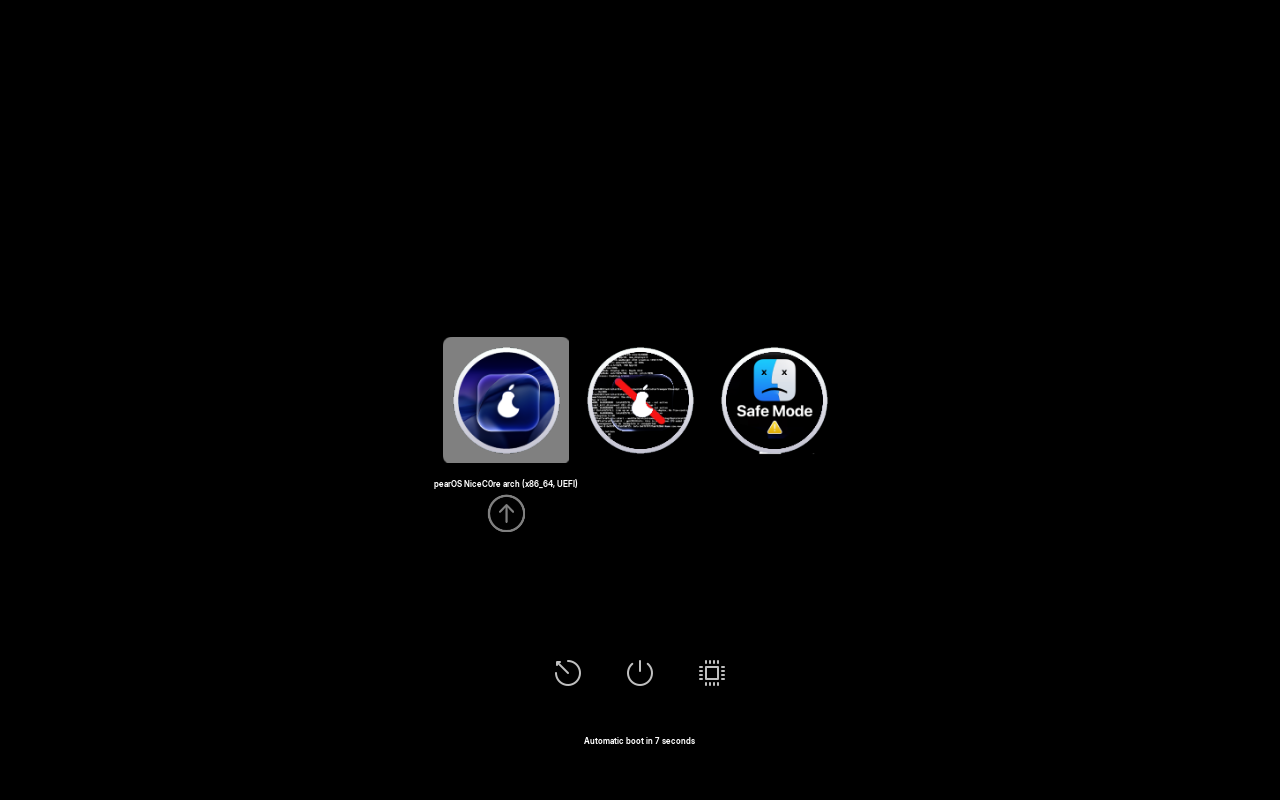
20s—
30s—
40s—
50s—
60s—
70s—
80s—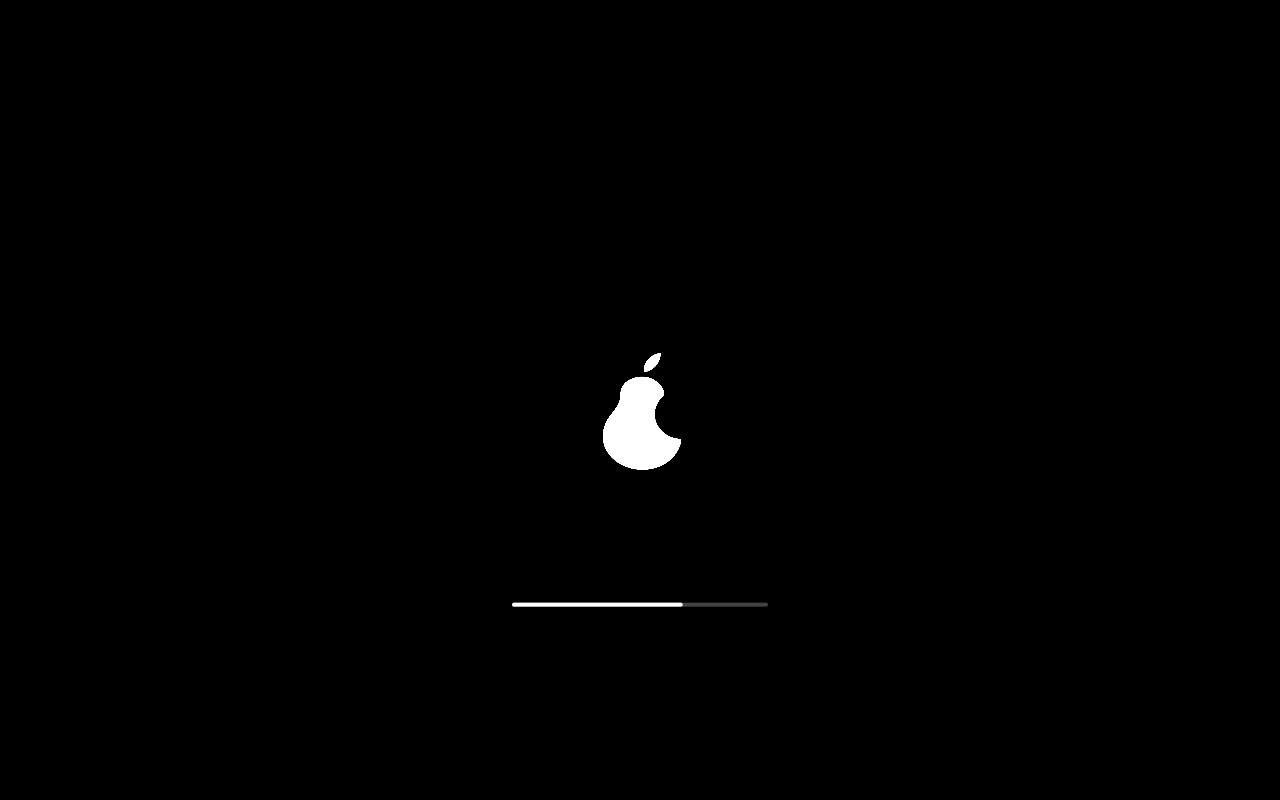
90s—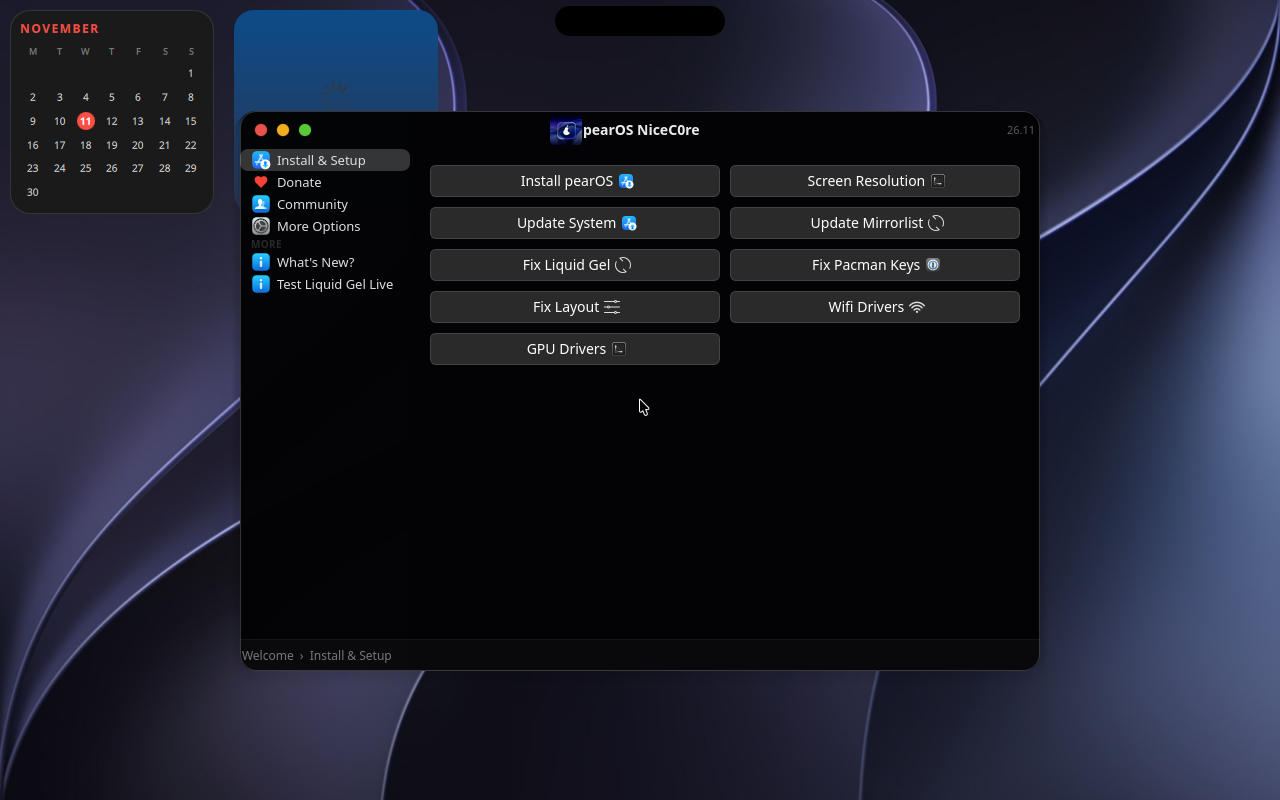
100s—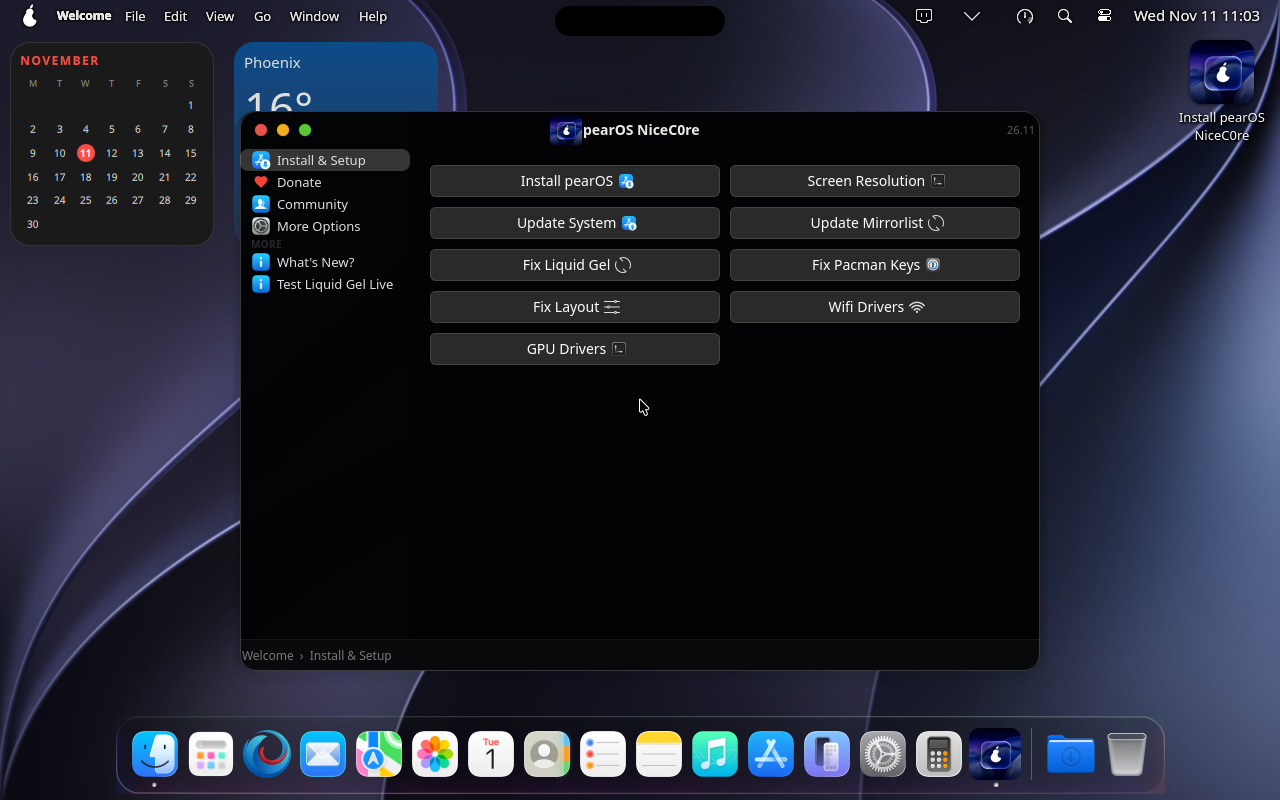
110s— desktop ready, then clicked Install pearOS in Welcome —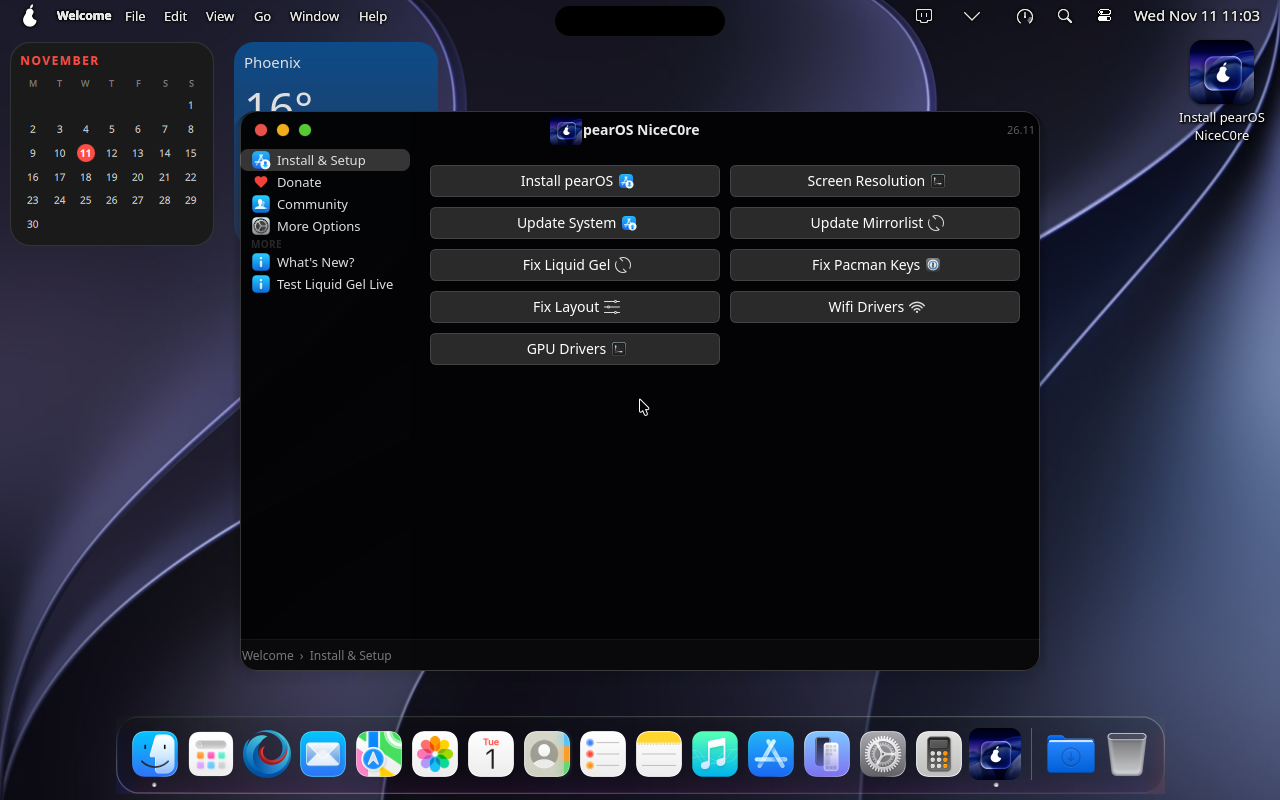
120s— pearOS installer loading —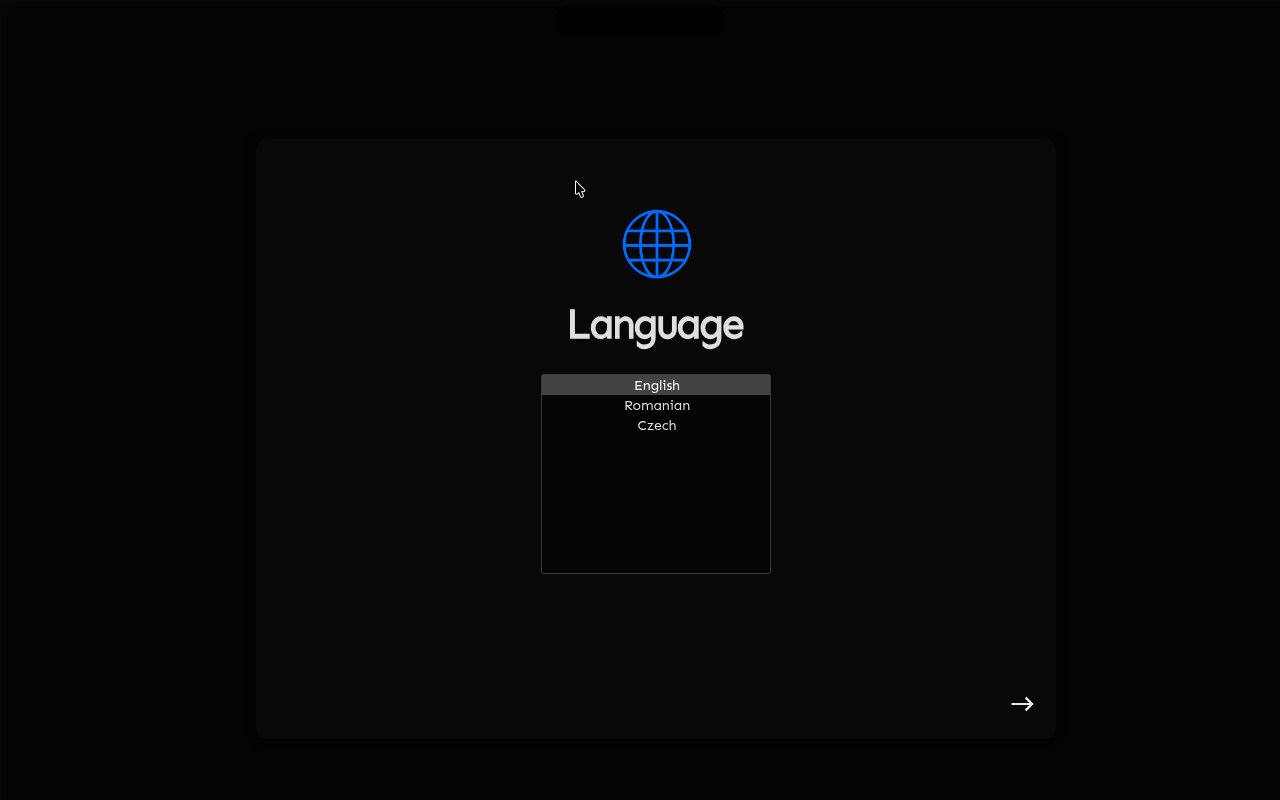
130s— Language screen, then selected English —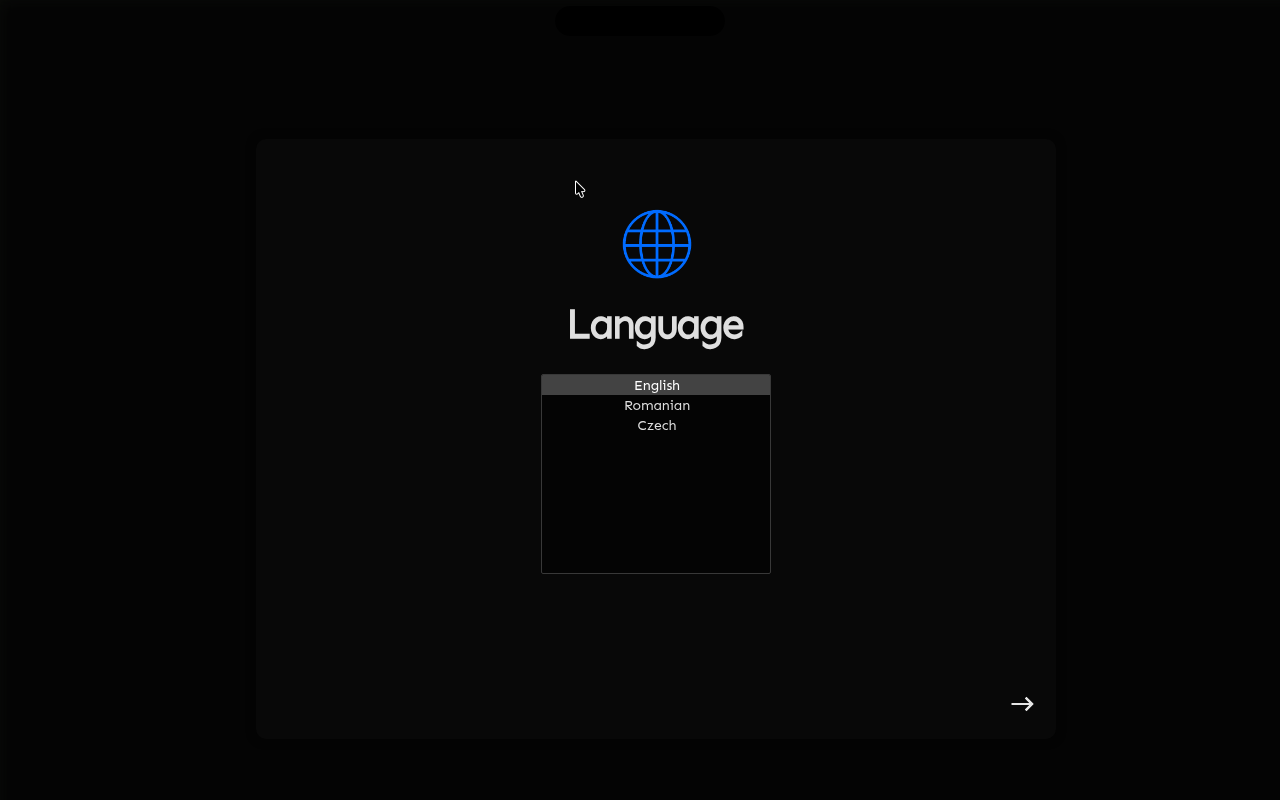
140s— Language screen, then clicked Next —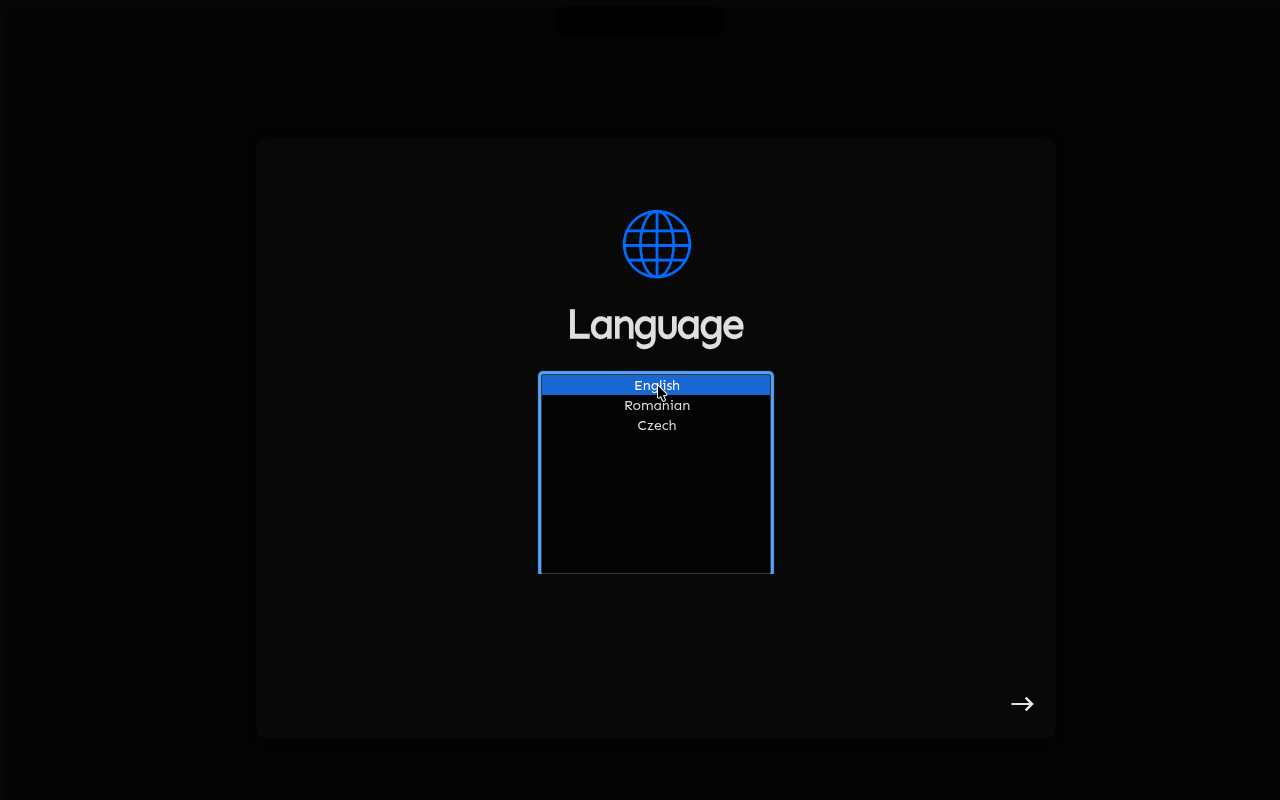
150s— Recovery screen, then selected Install pearOS NiceC0re (offline installer) —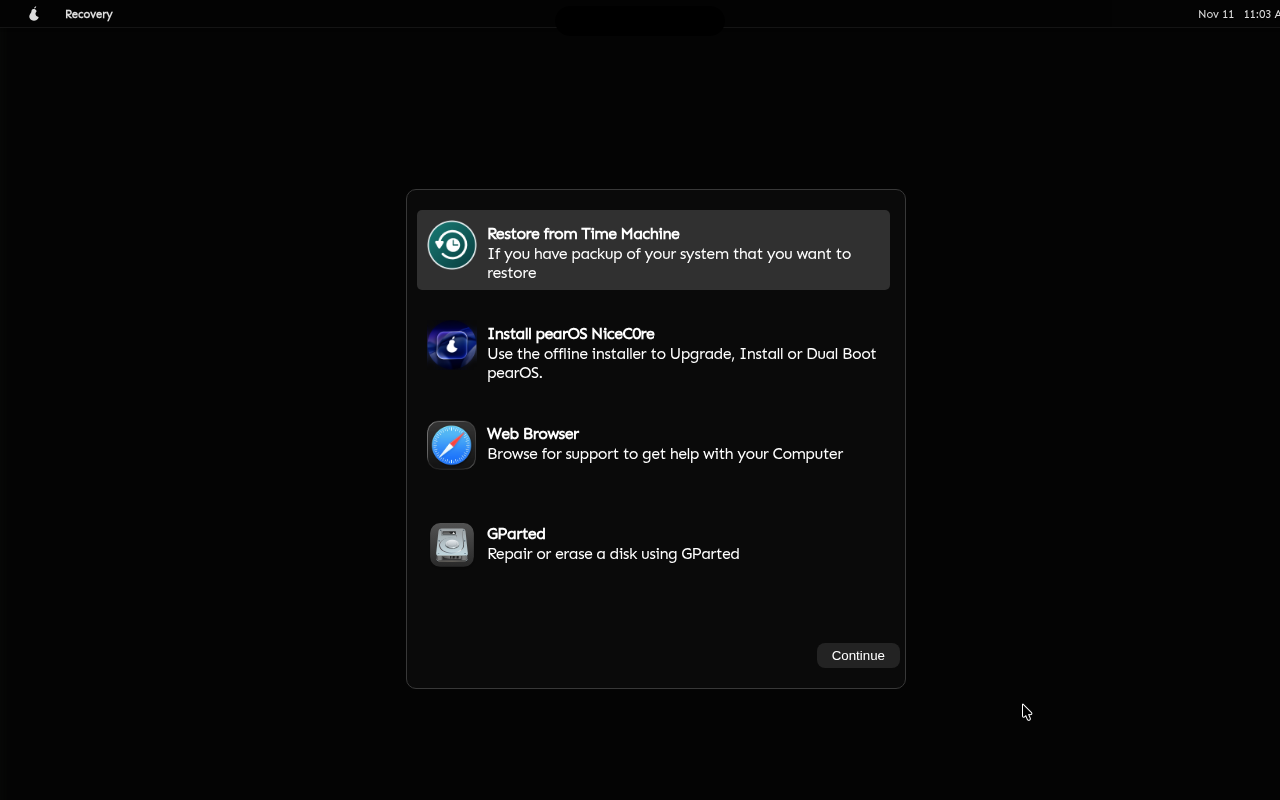
160s— Recovery screen, then clicked Continue —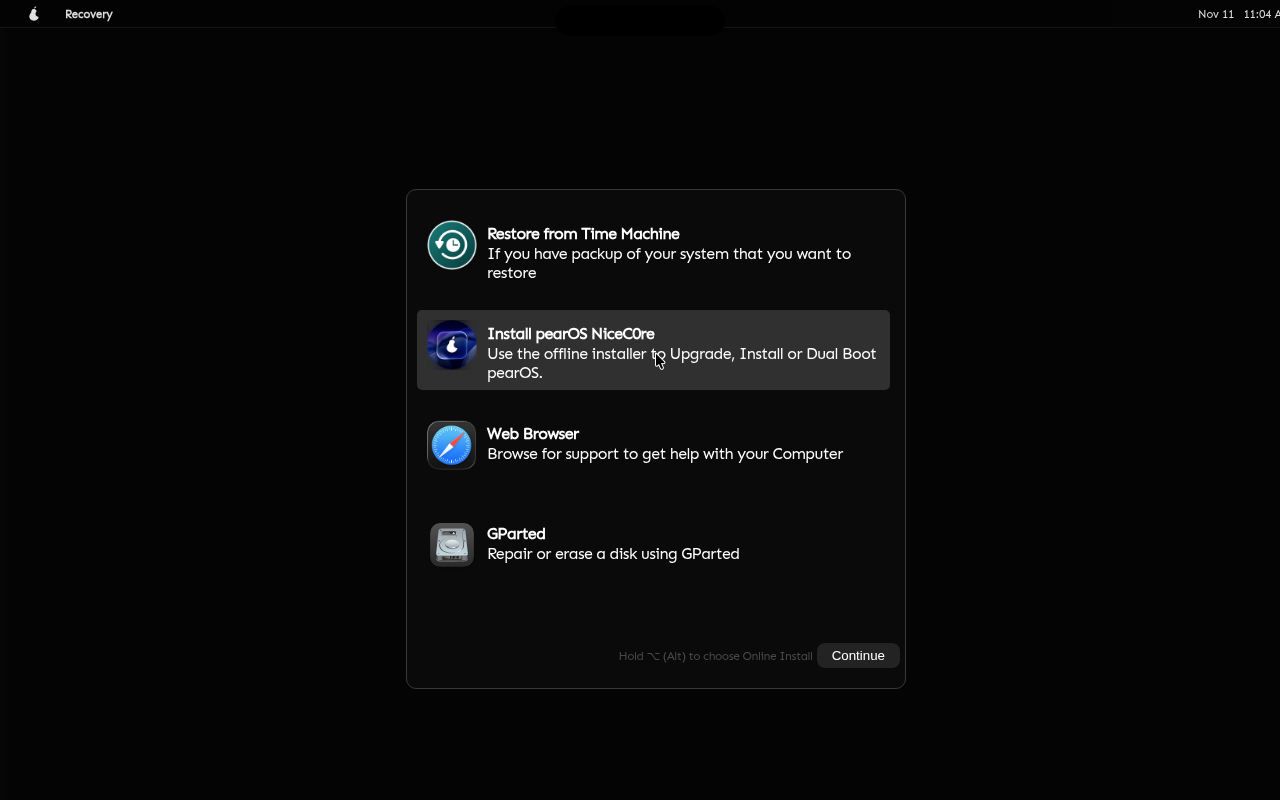
170s—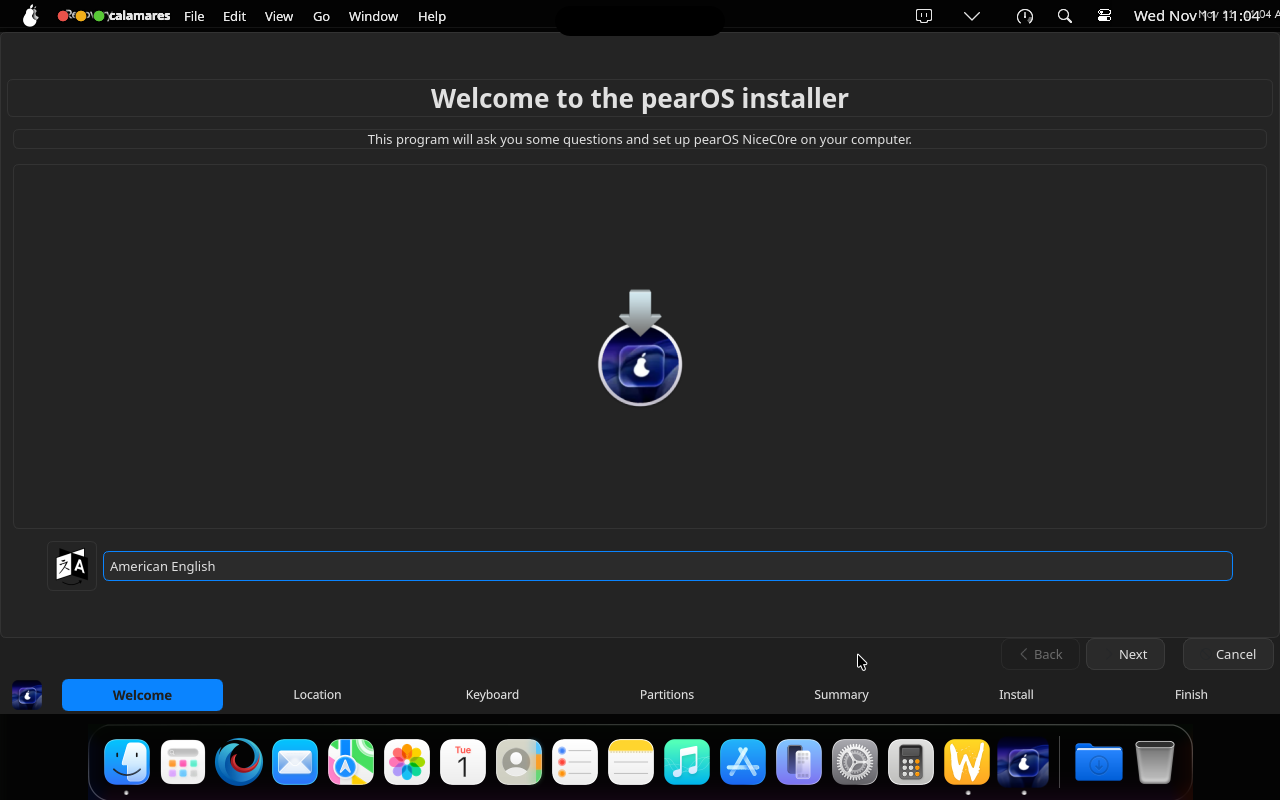
180s—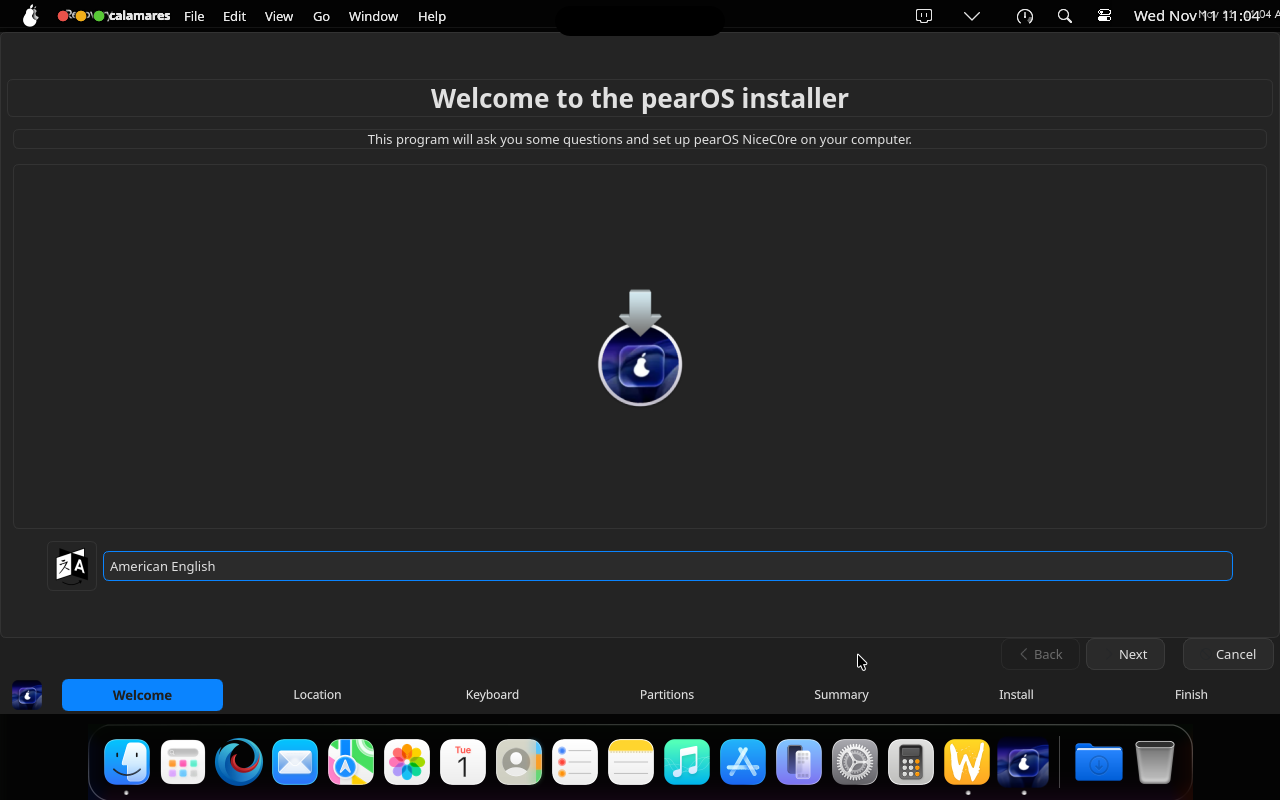
190s—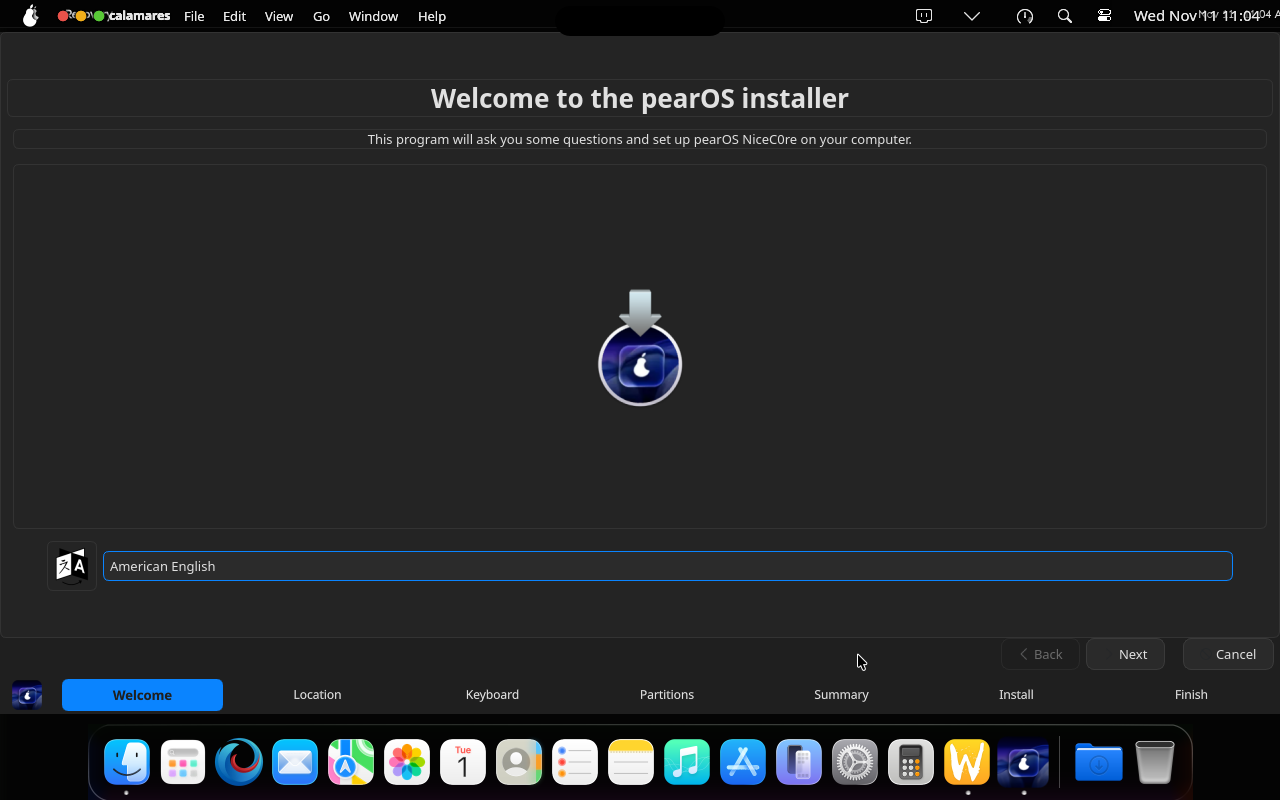
200s—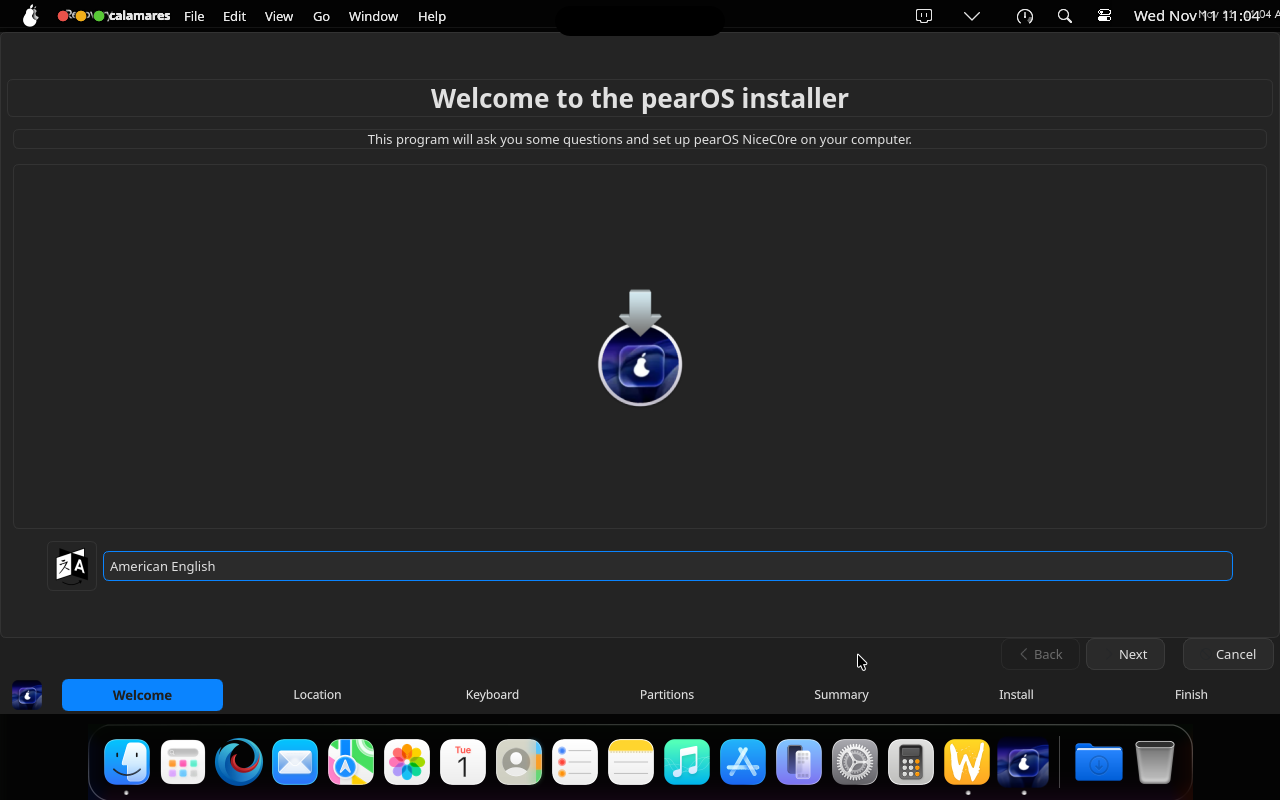
210s—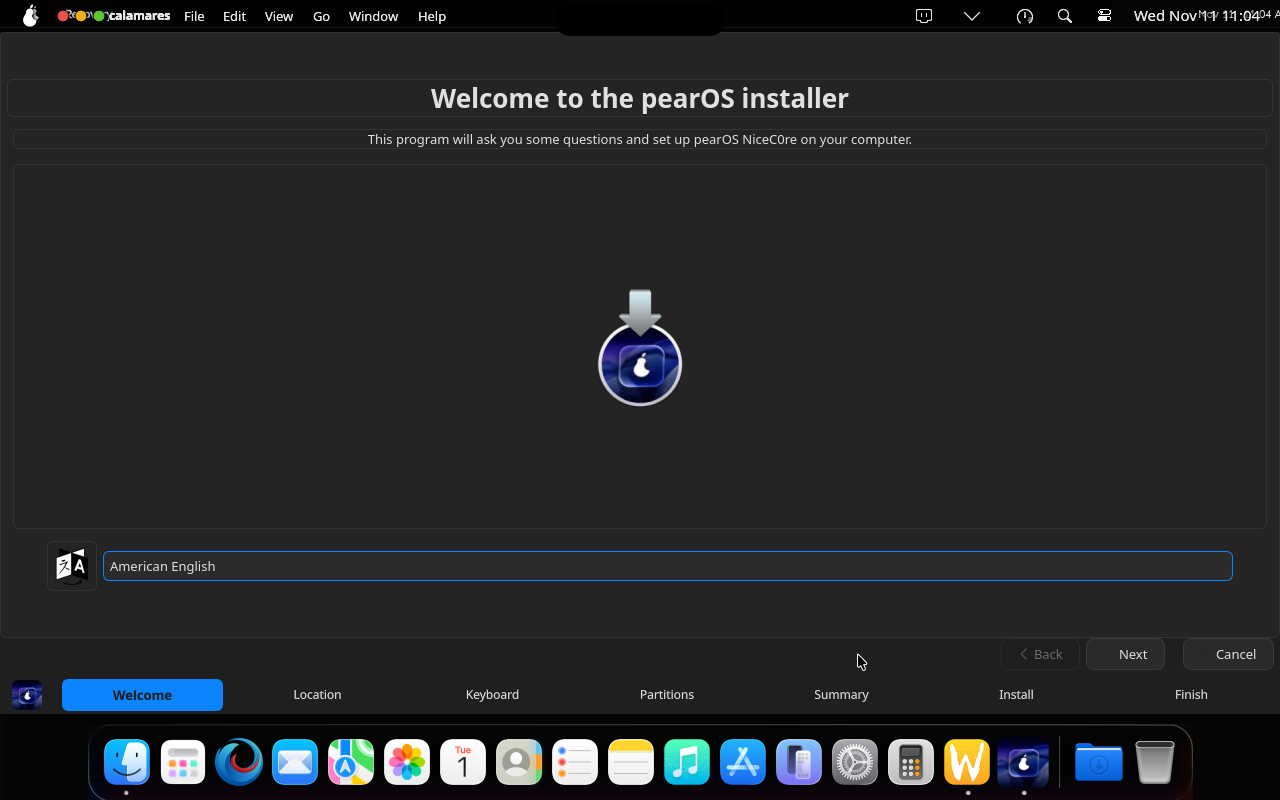
220s— Calamares —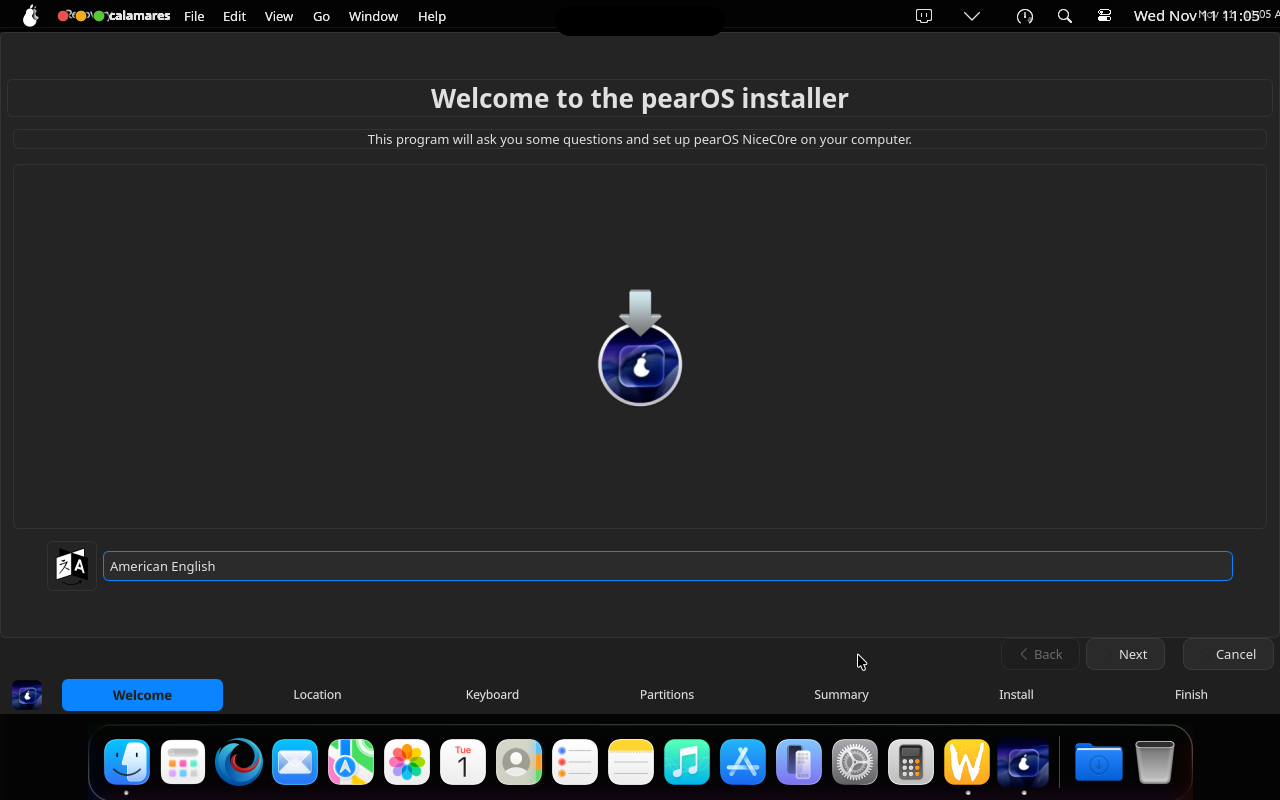
230s— Calamares: Welcome, clicked Next —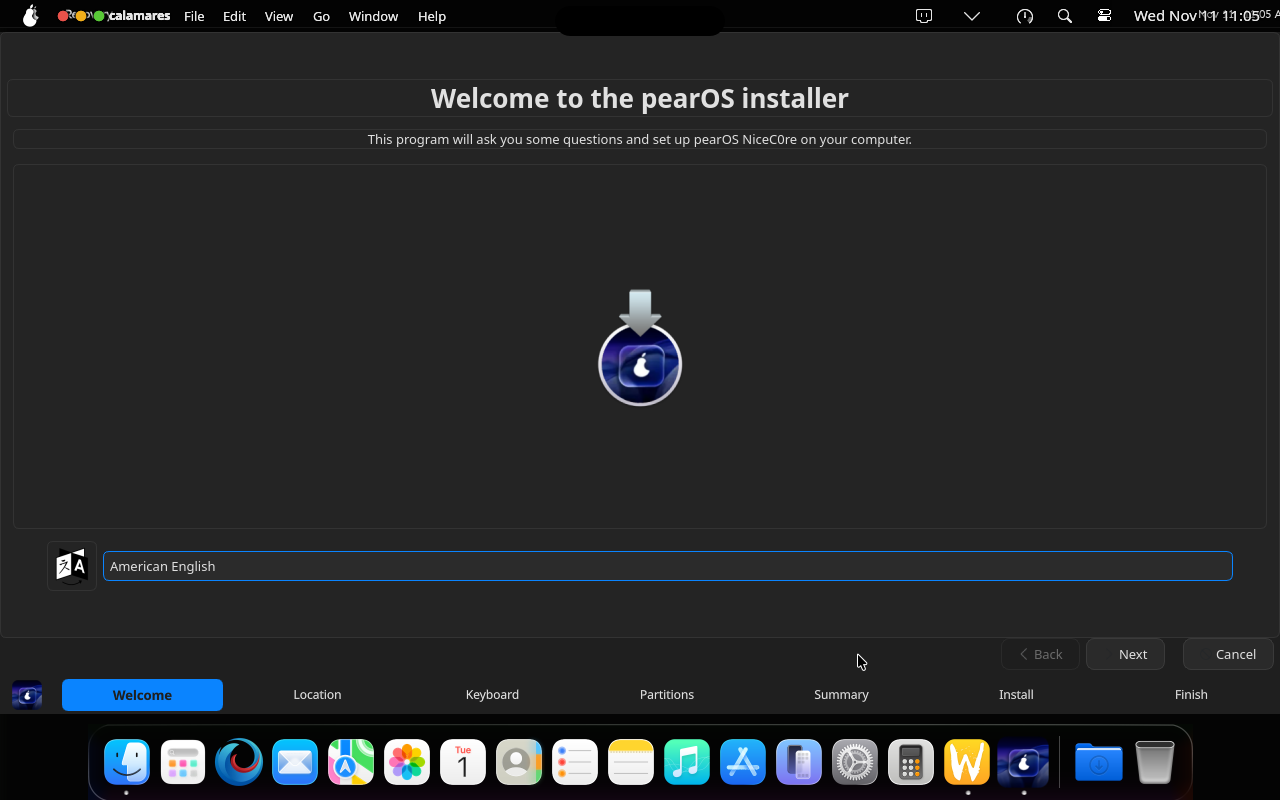
240s— Calamares: Location, clicked Next —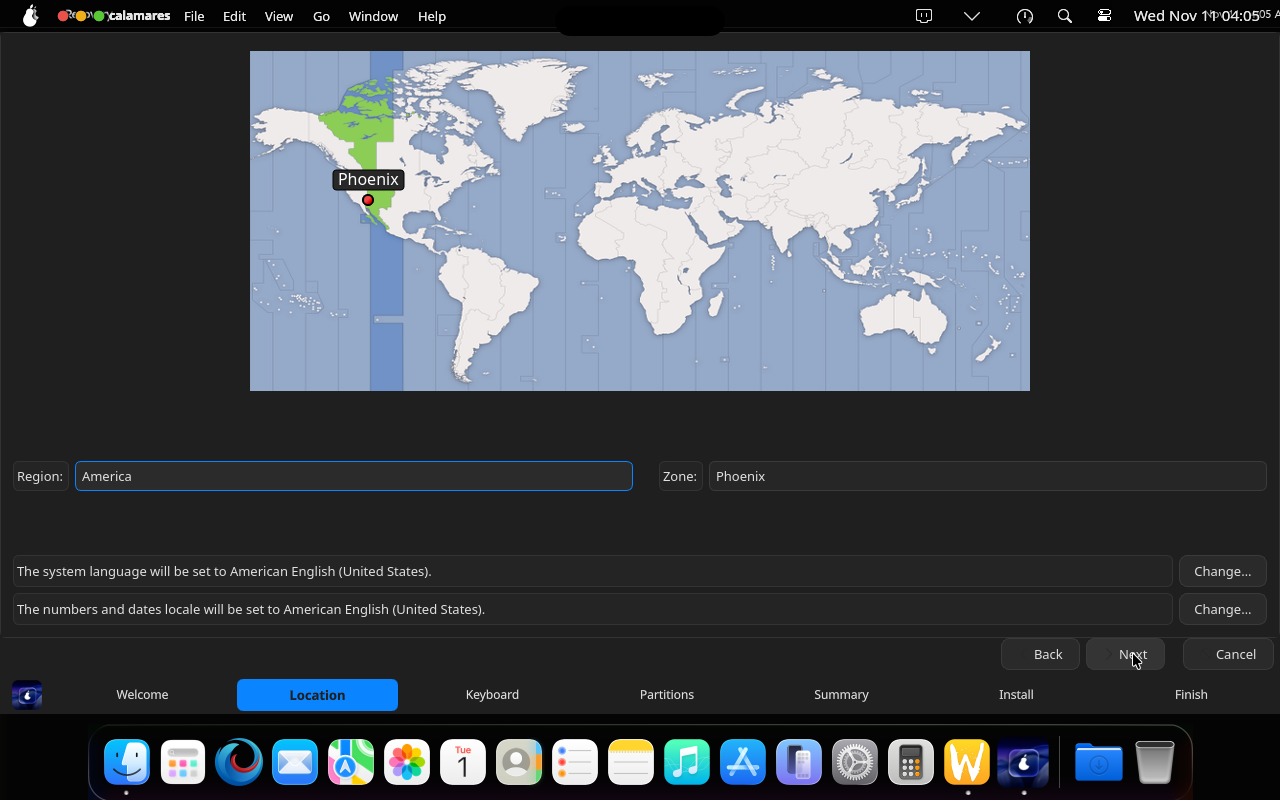
250s— Calamares: Keyboard, clicked Next —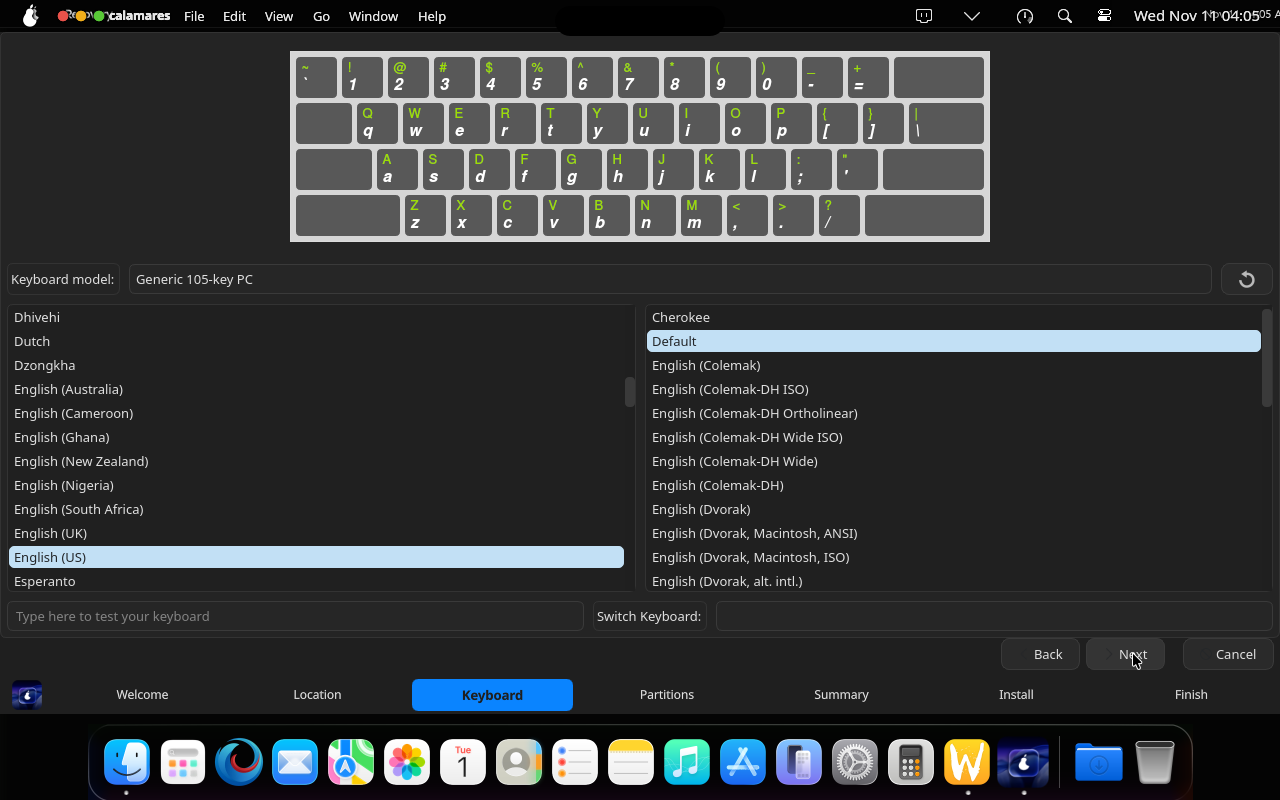
260s— Calamares: Partitions, selected Erase disk —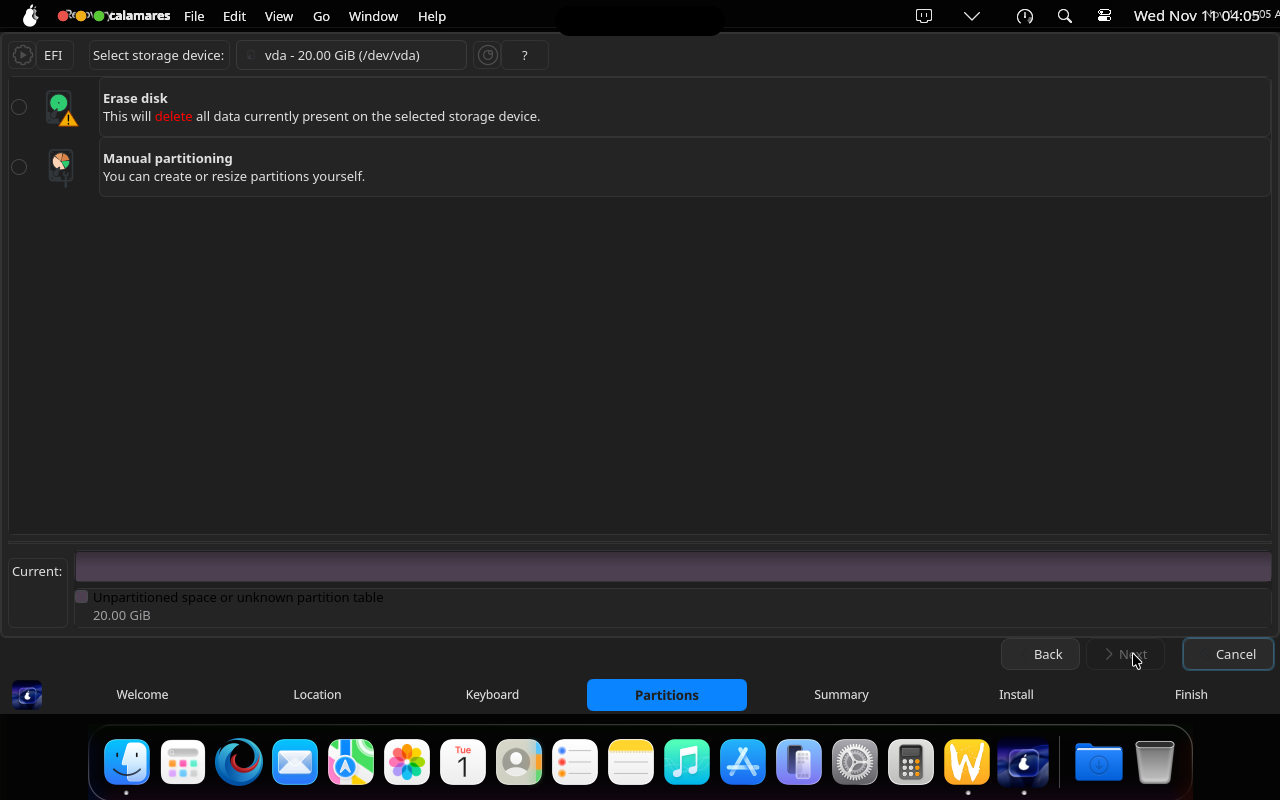
270s— Calamares: Partitions, clicked Next —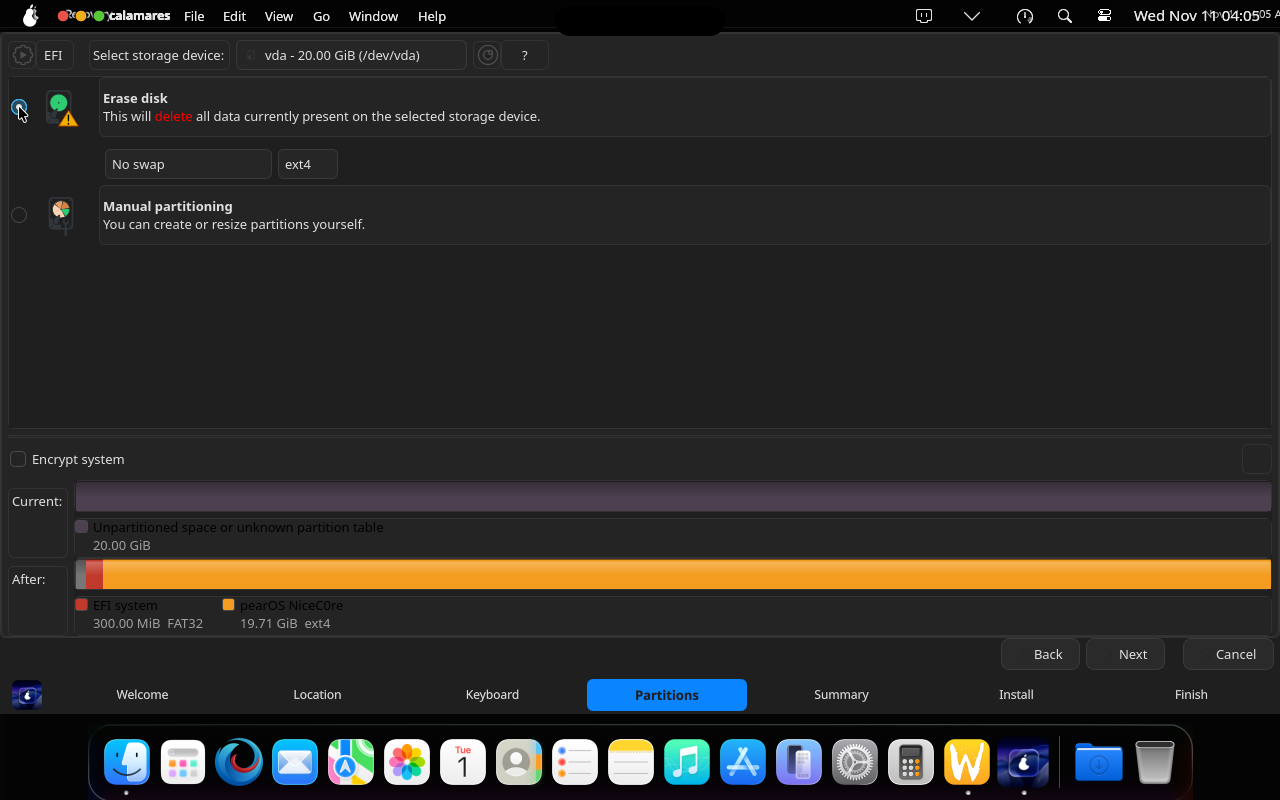
280s— Calamares: Summary, clicked Install —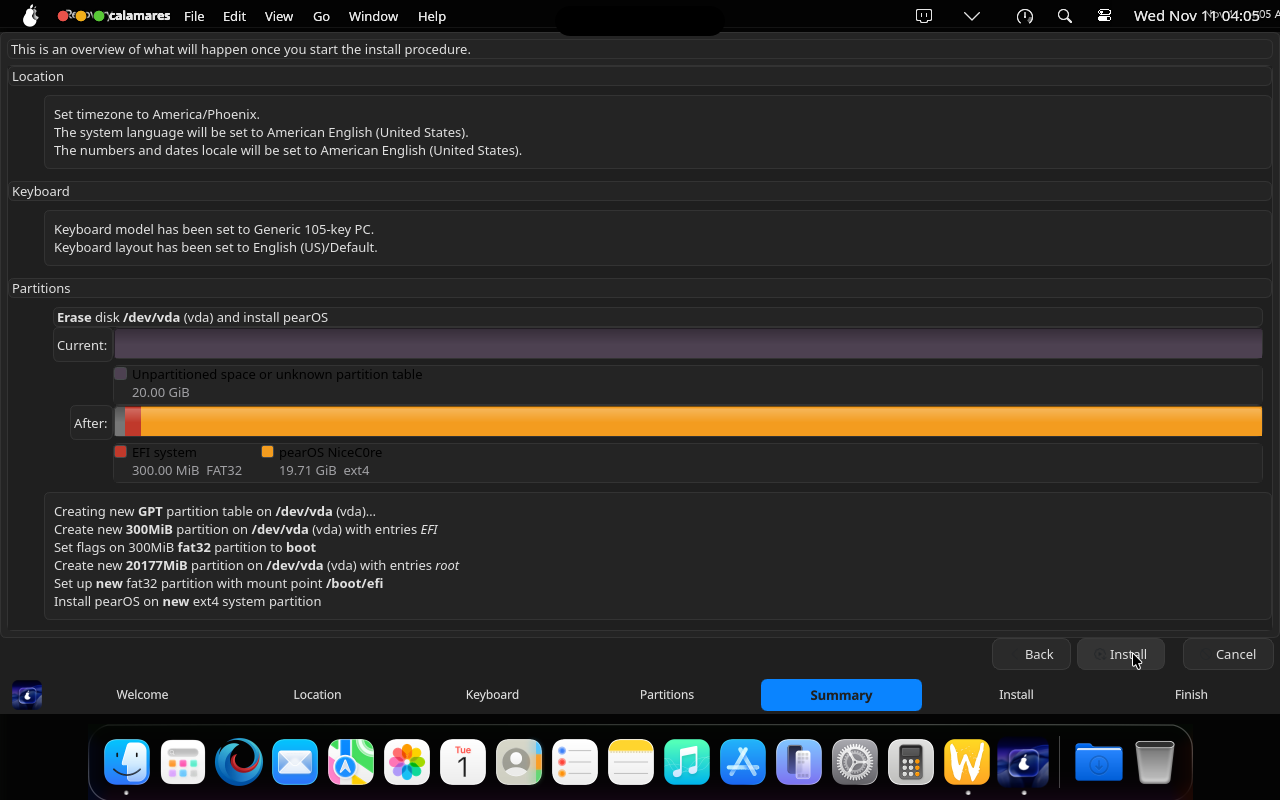
290s— Calamares: installing (2 min) —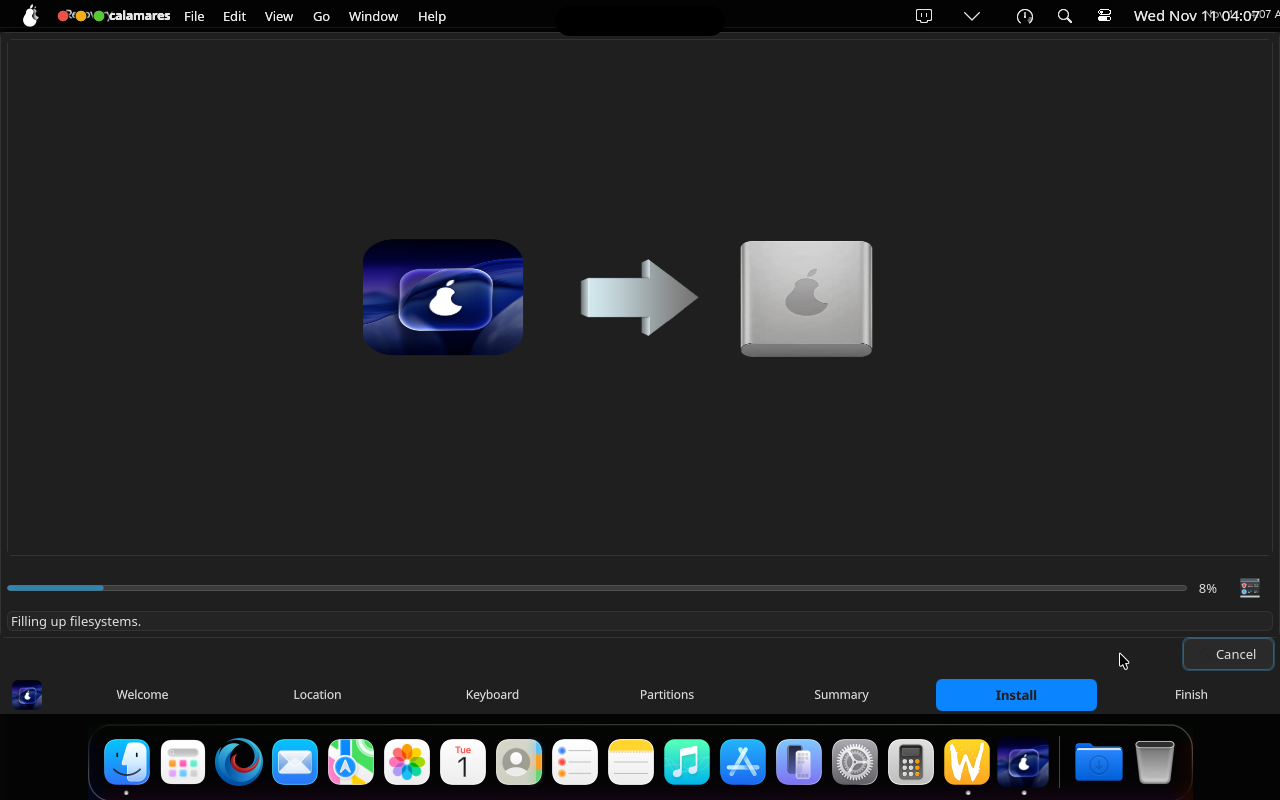
300s— Calamares: installing (4 min) —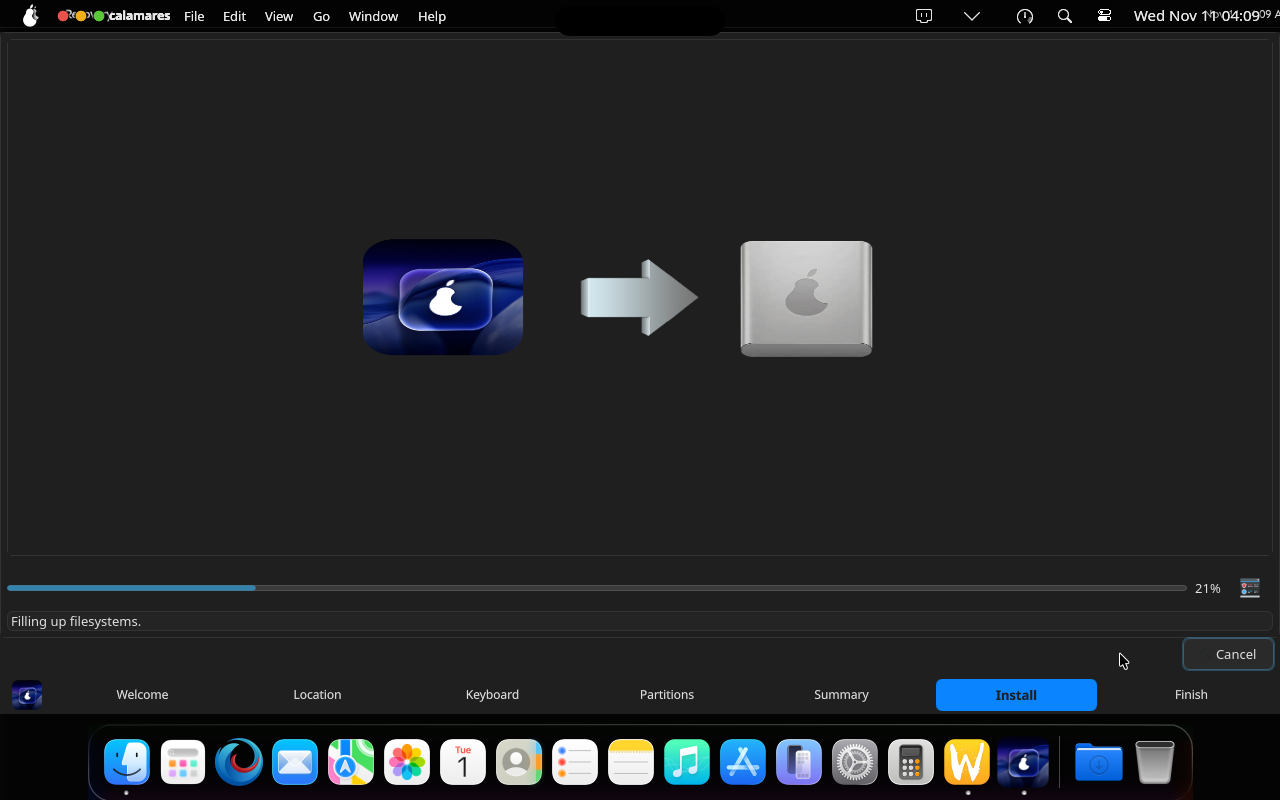
310s— Calamares: installation finished —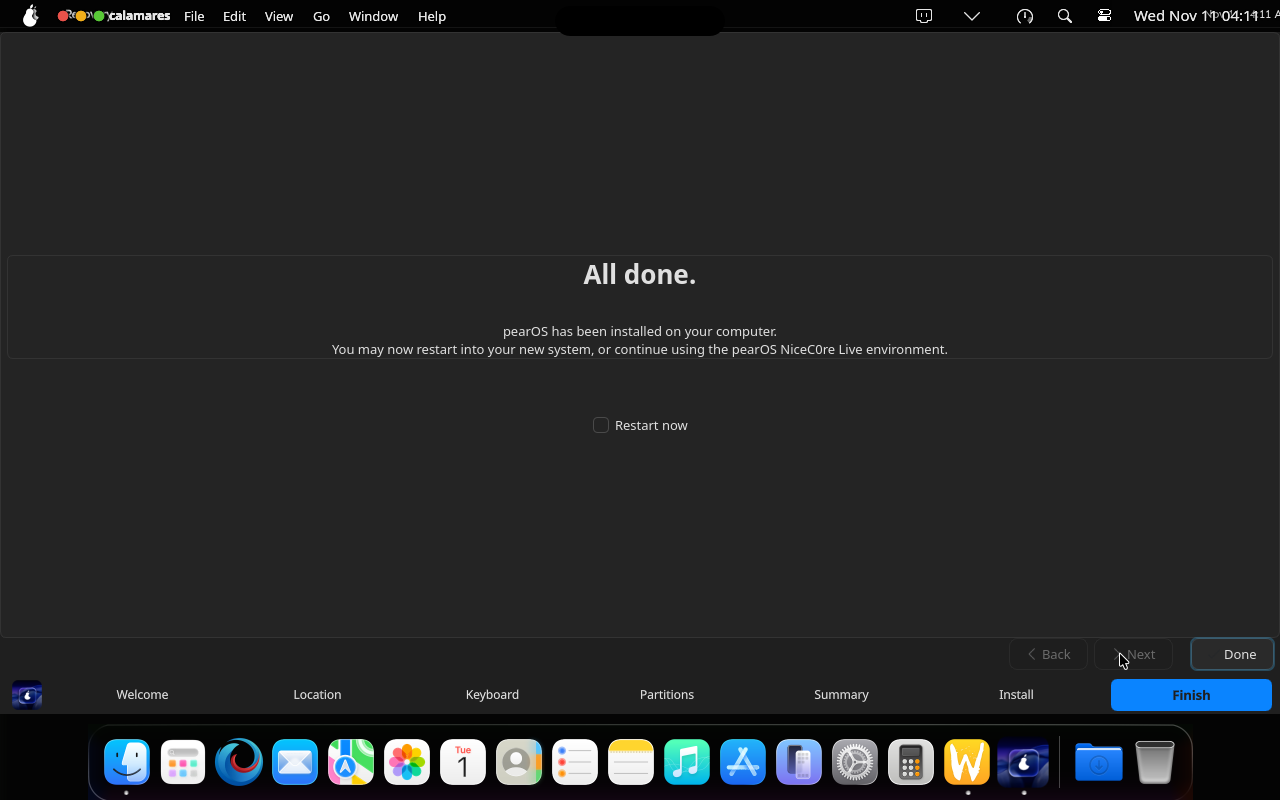
320s— Installed system: first boot —
330s— Installed system: first boot —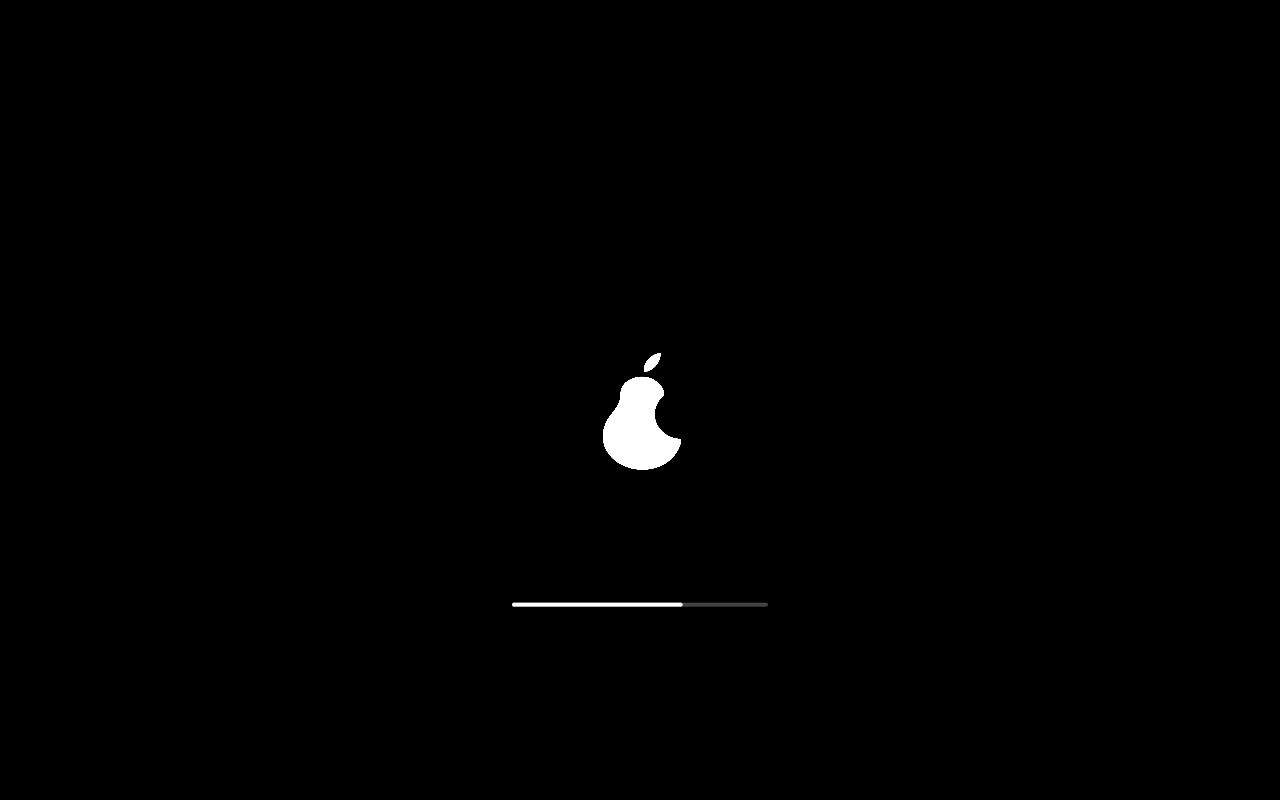
340s— Installed system: first boot —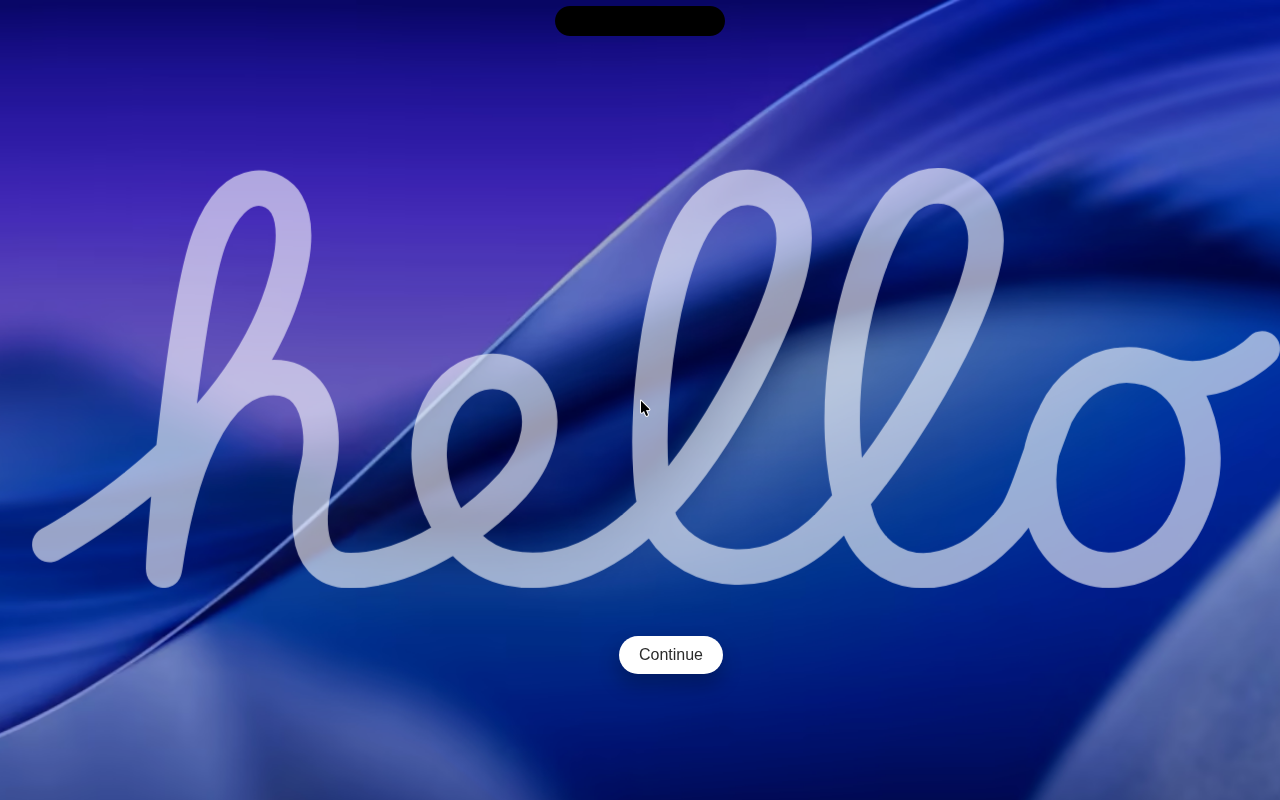
350s— Installed system: first boot —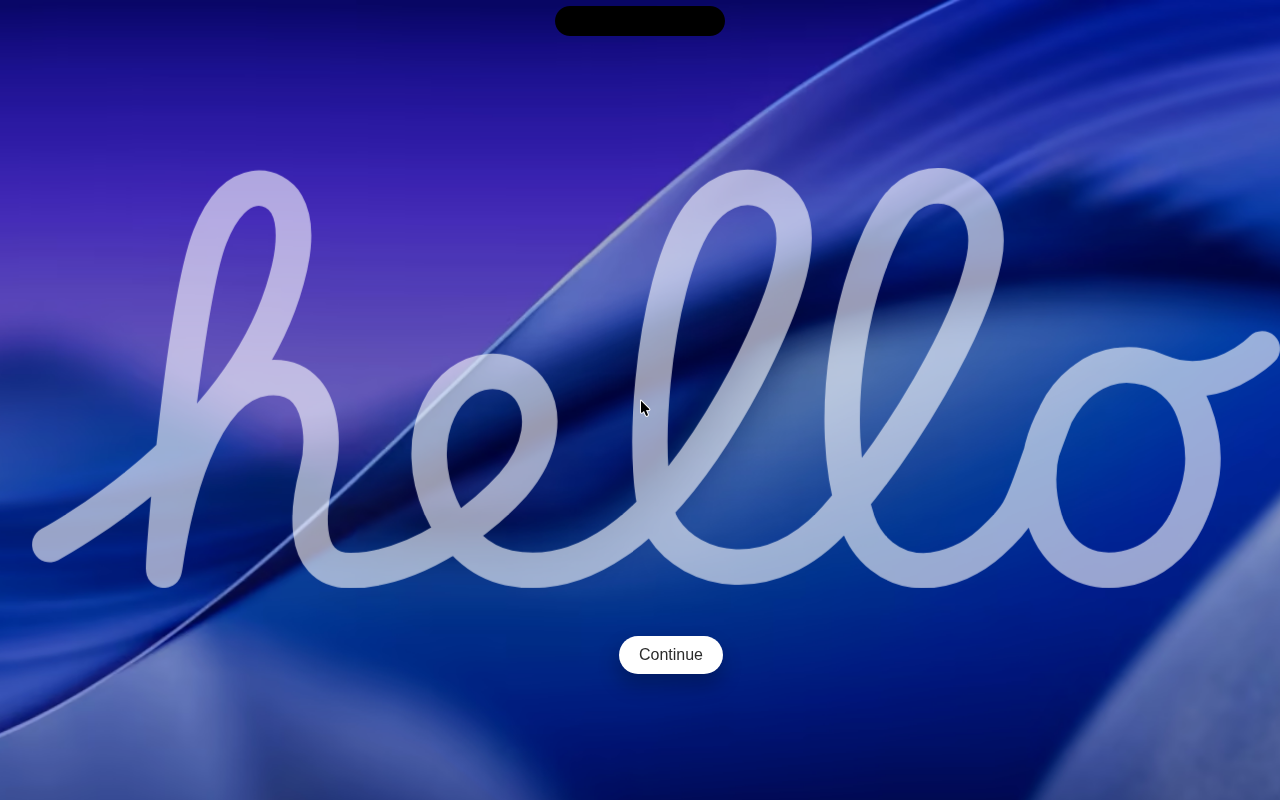
360s— Installed system: reached the login screen / desktop —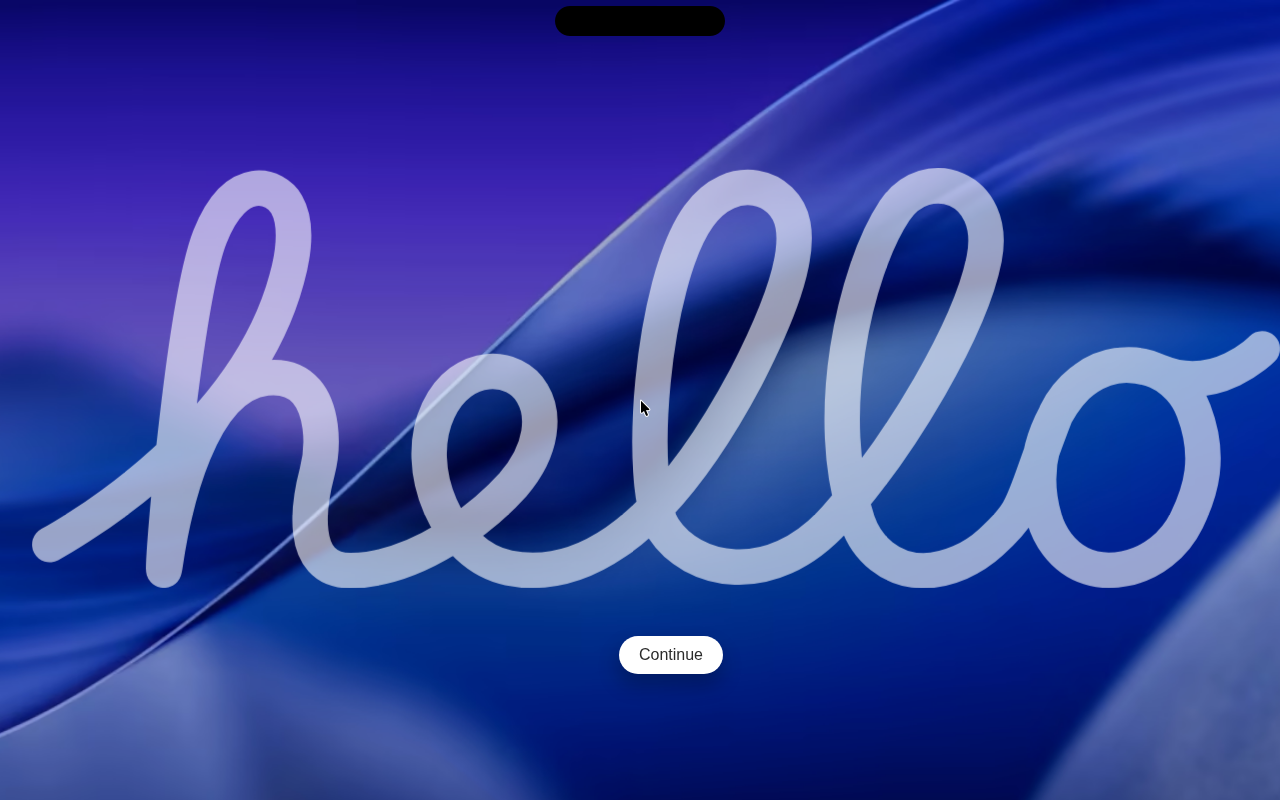
370s— First boot: language —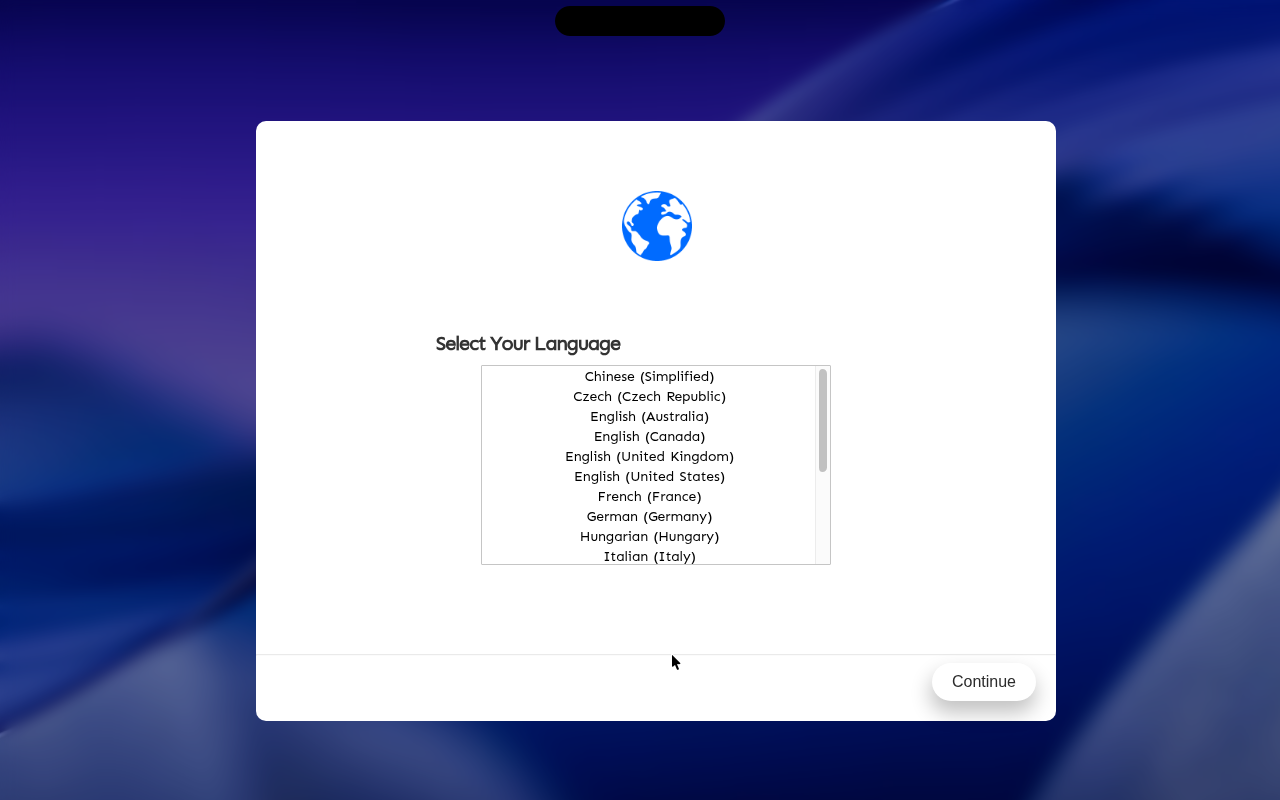
380s— First boot: keyboard —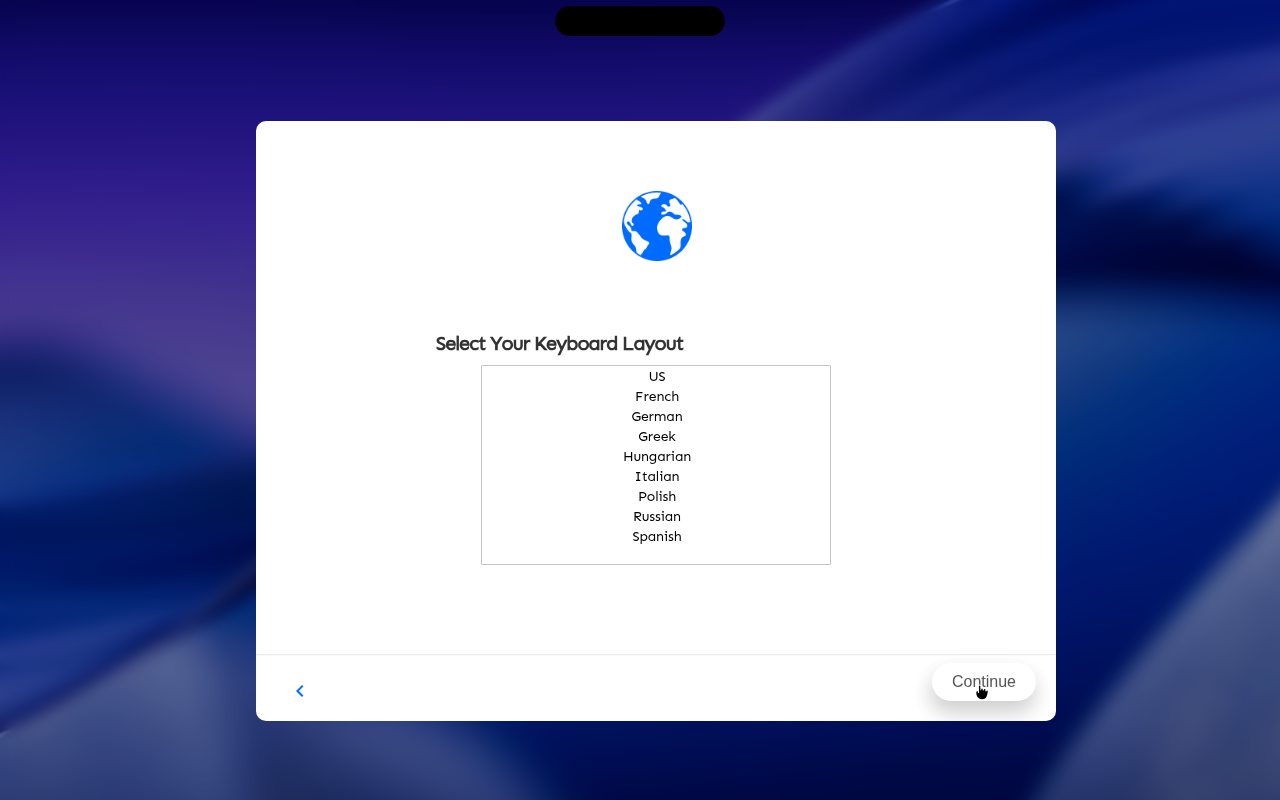
390s— First boot: time zone —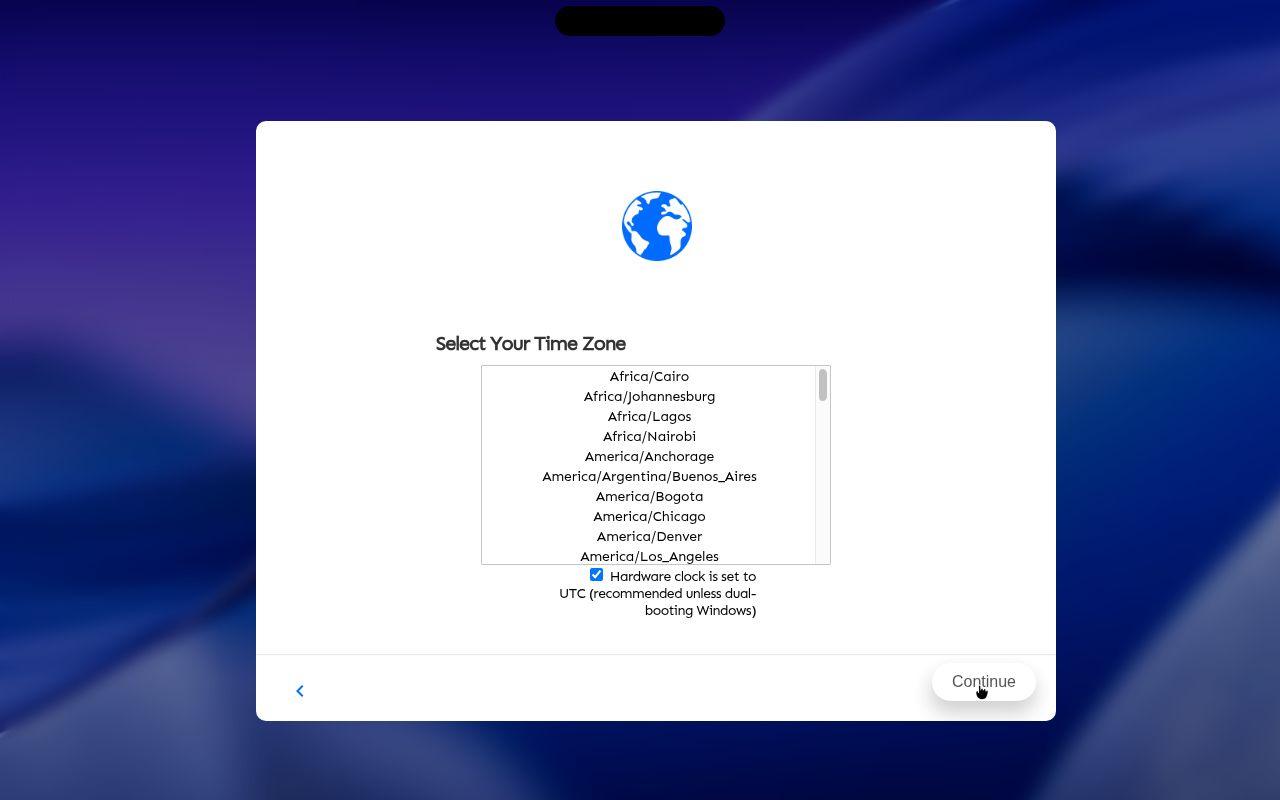
400s— First boot: create account —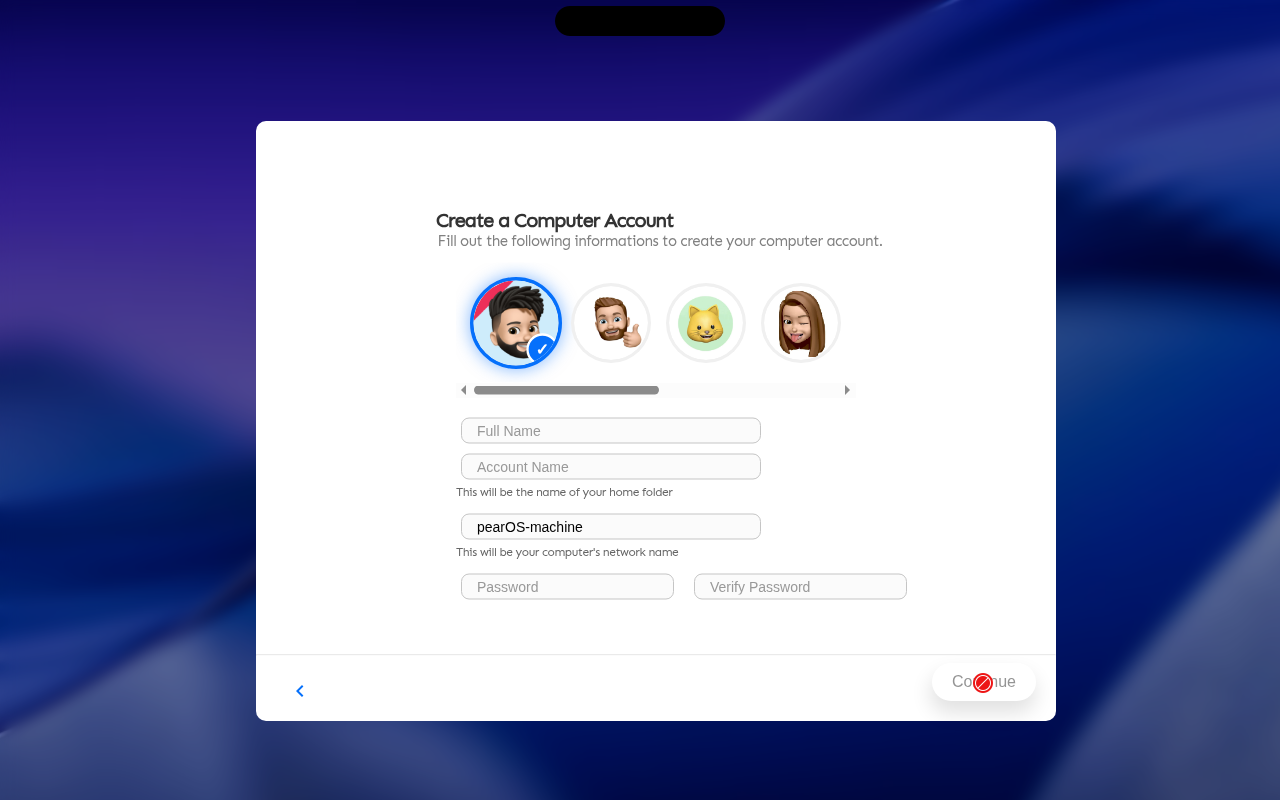
410s— First boot: account filled in —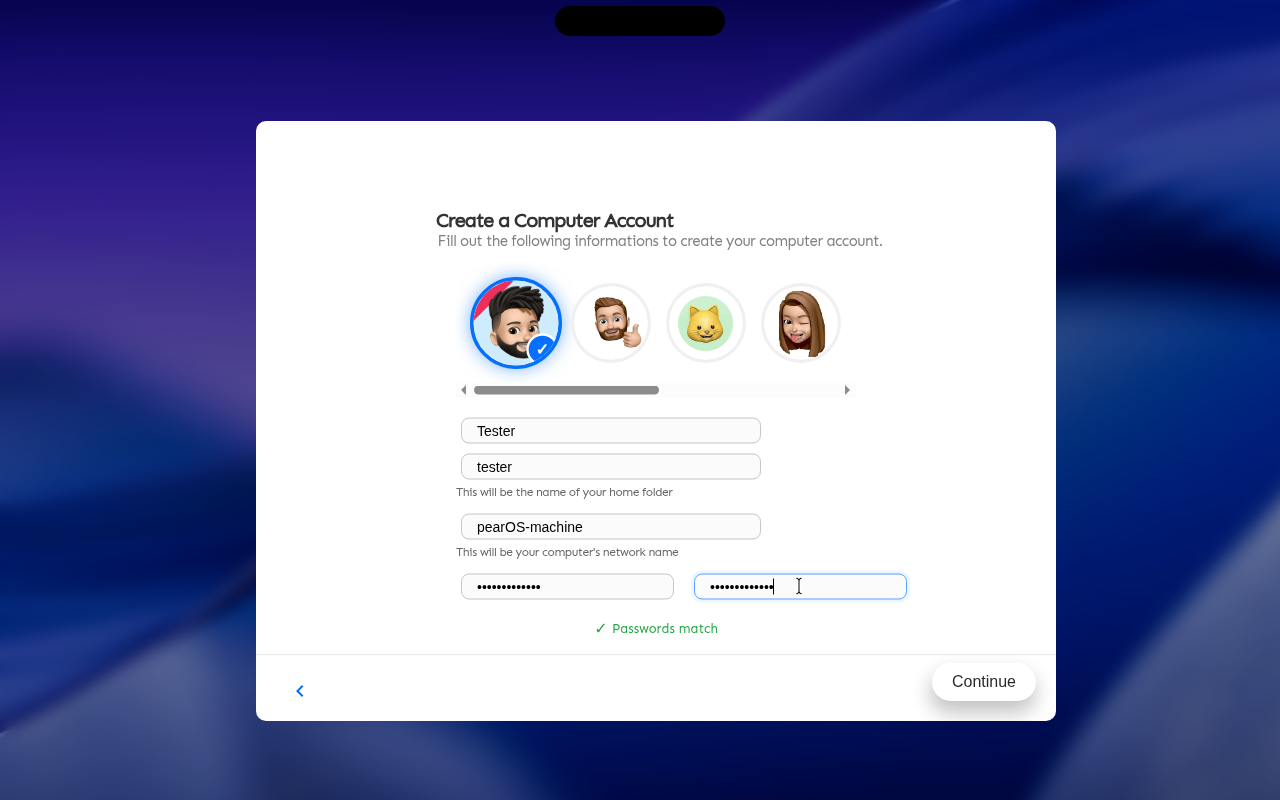
420s— First boot: look —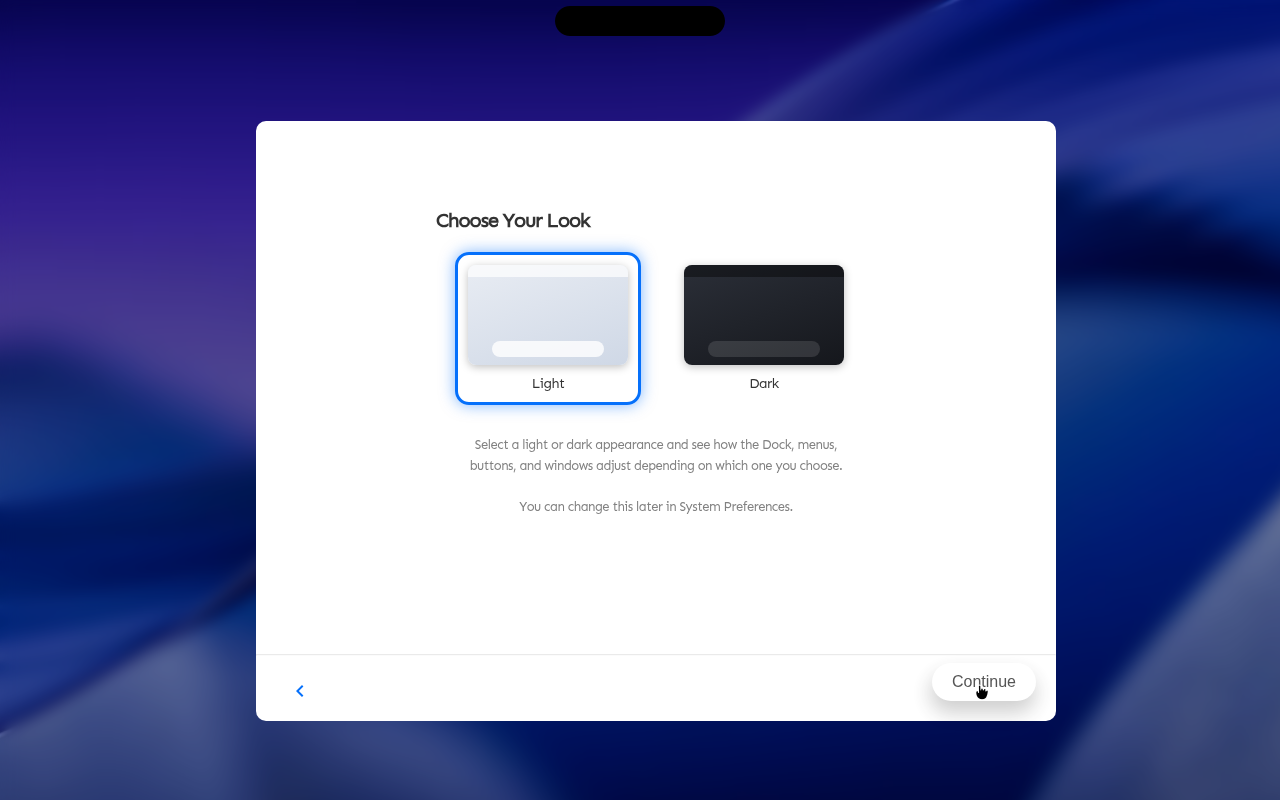
430s— First boot: terms —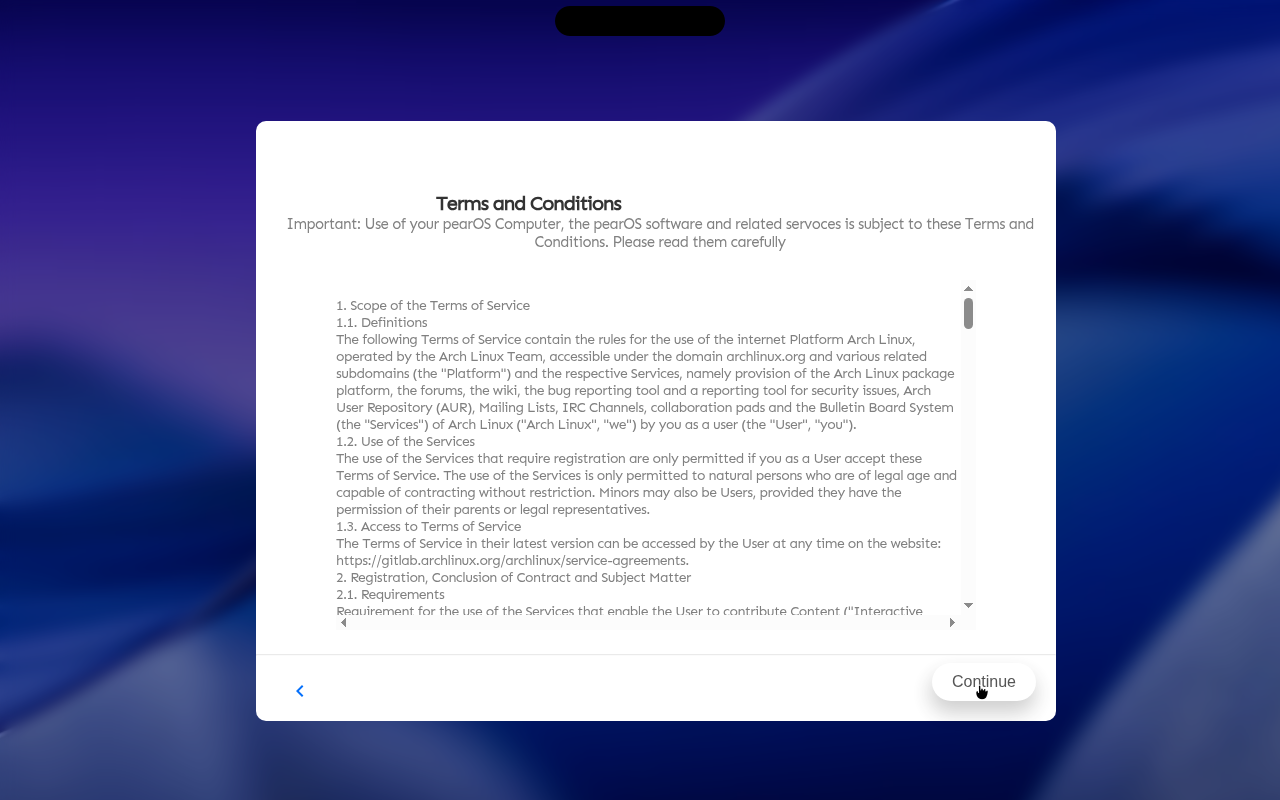
440s— First boot: applying settings —
450s— Login screen —
460s— Login screen —
470s— Login screen —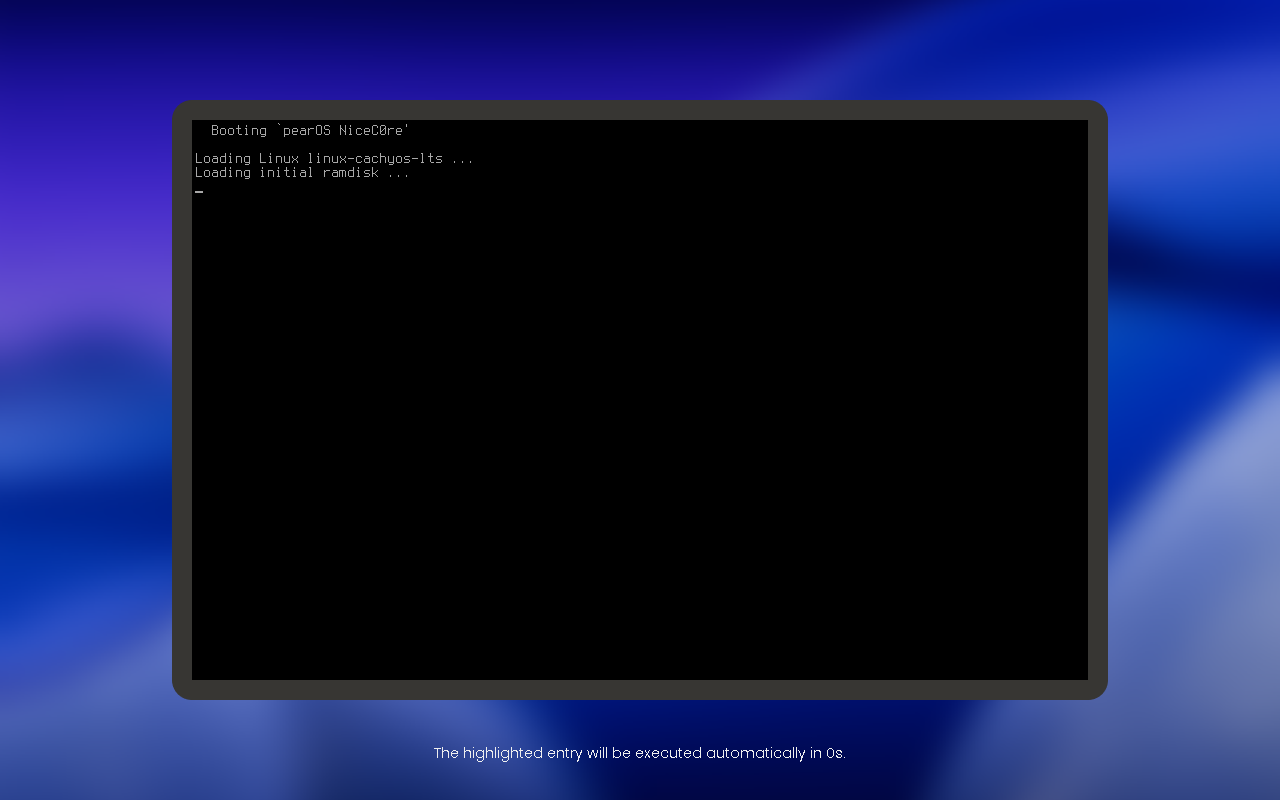
480s— Login screen —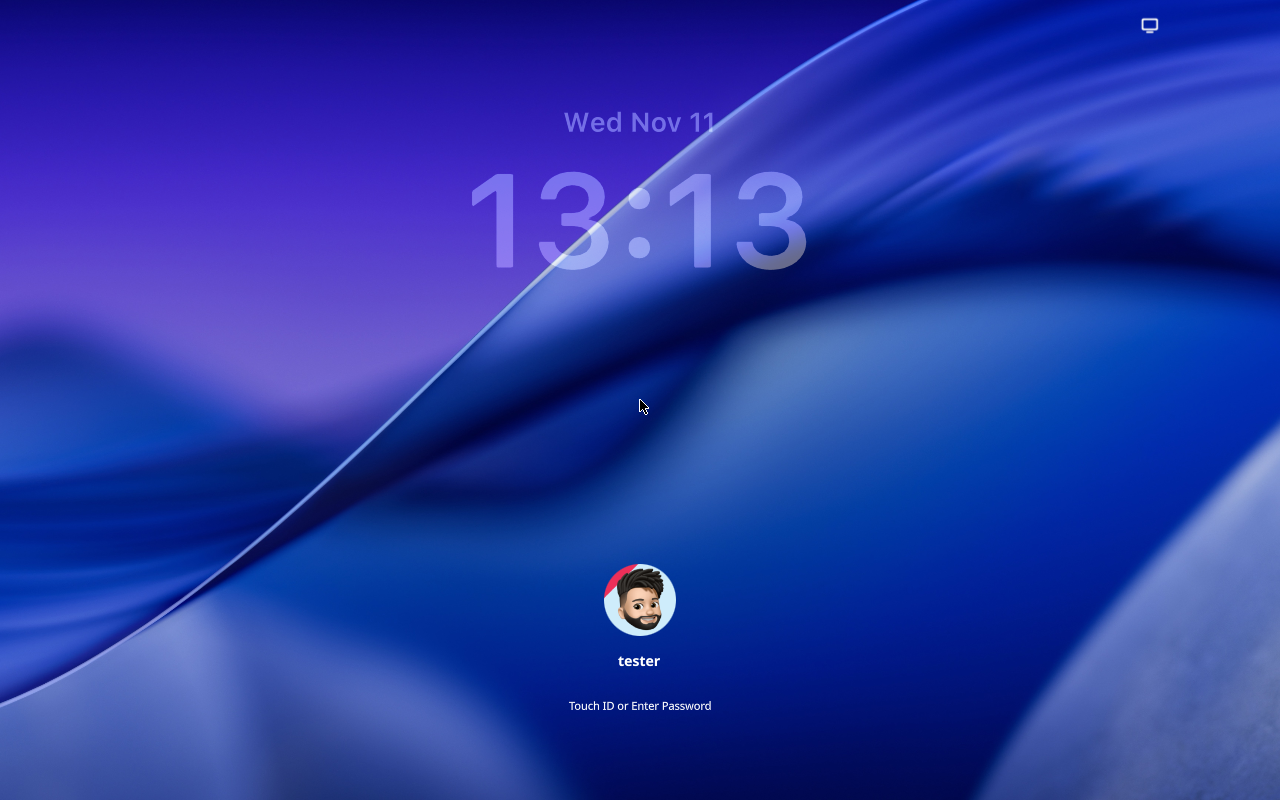
490s— Login screen —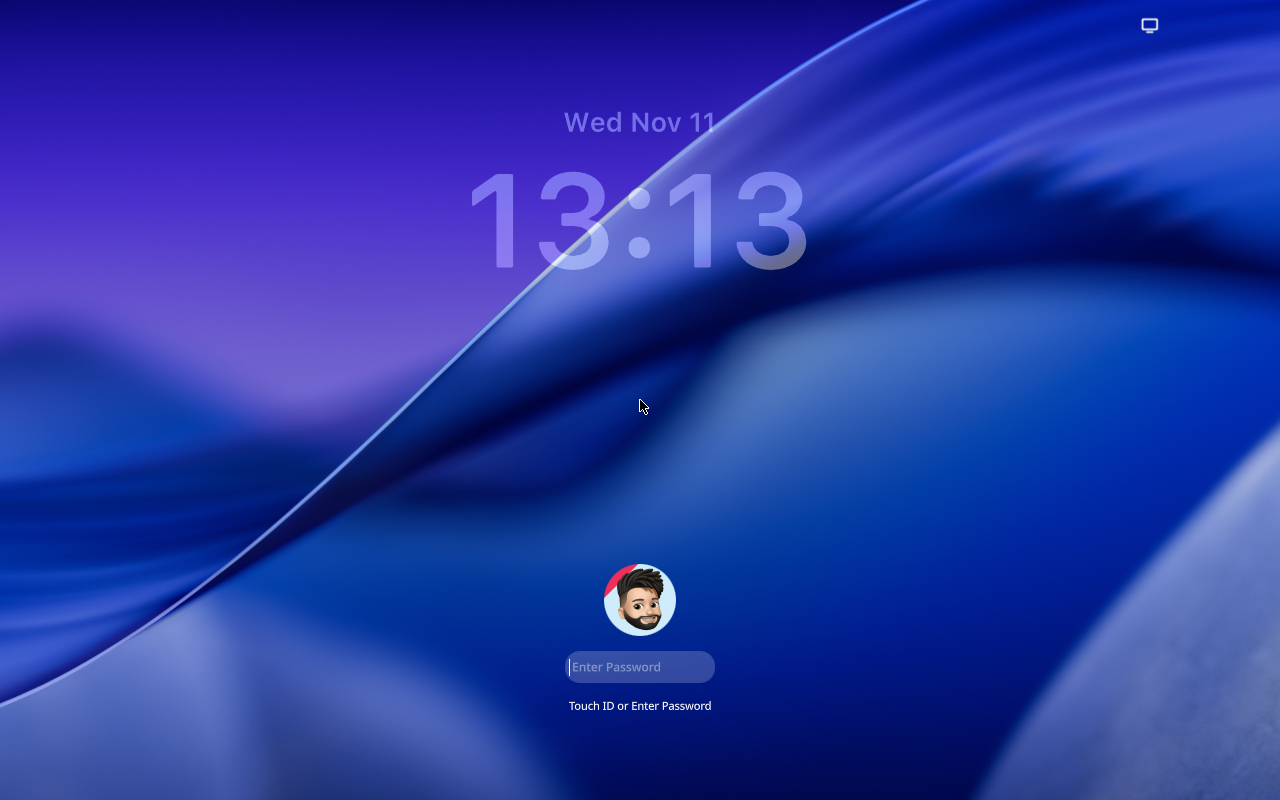
500s— Login screen —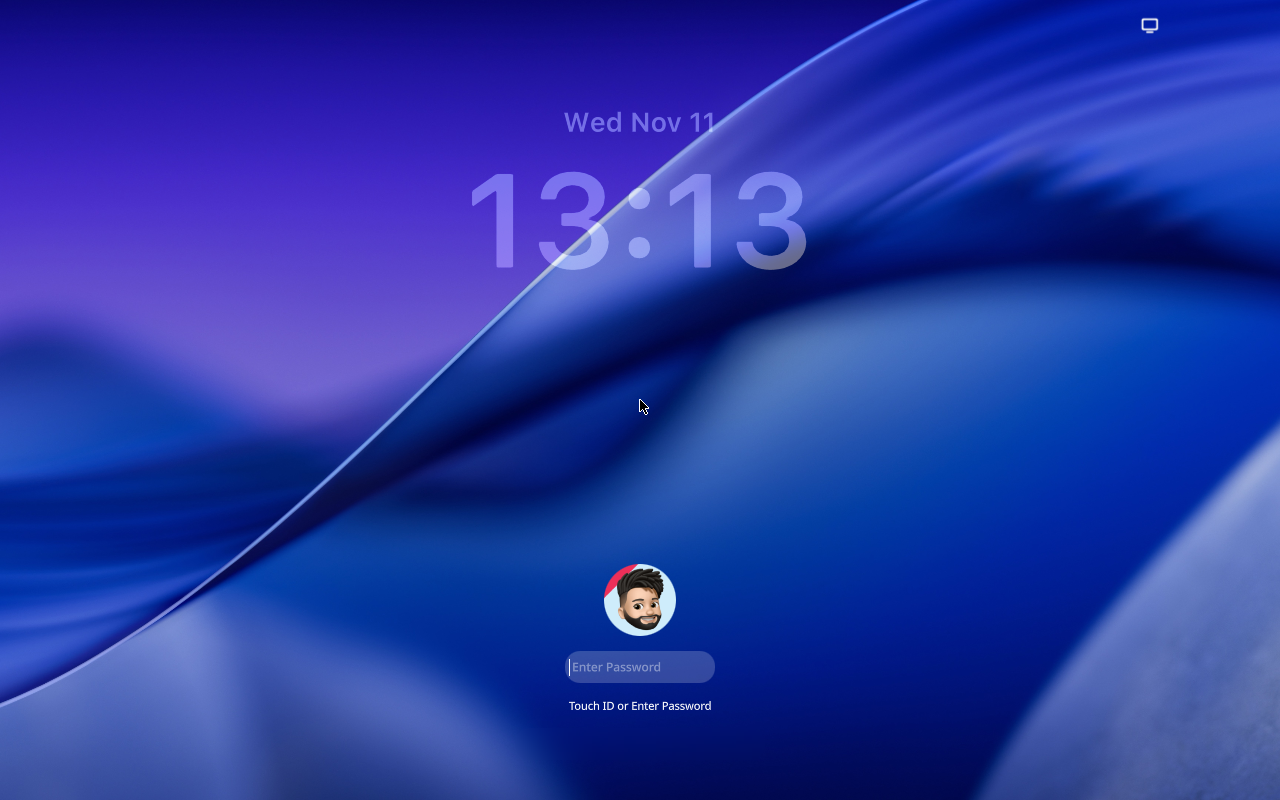
510s— Login screen —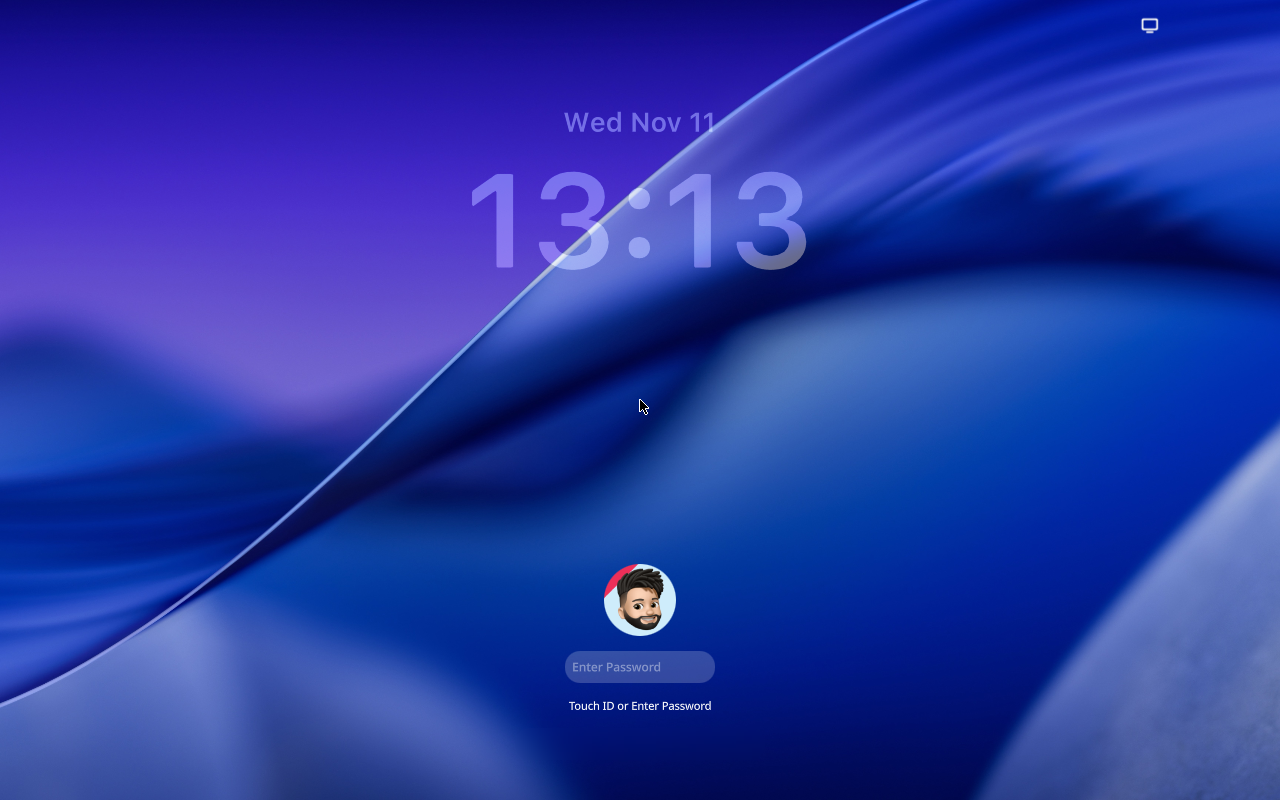
520s— Login screen —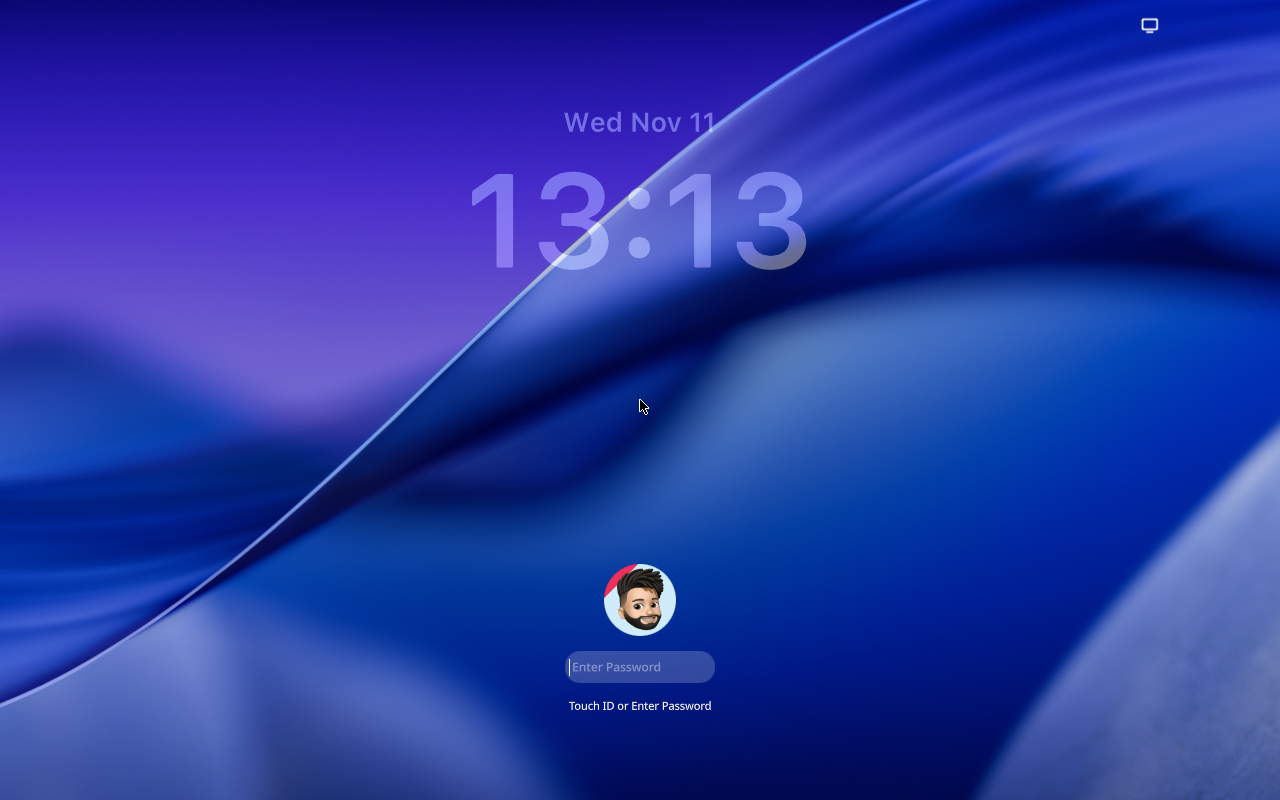
530s— Login screen —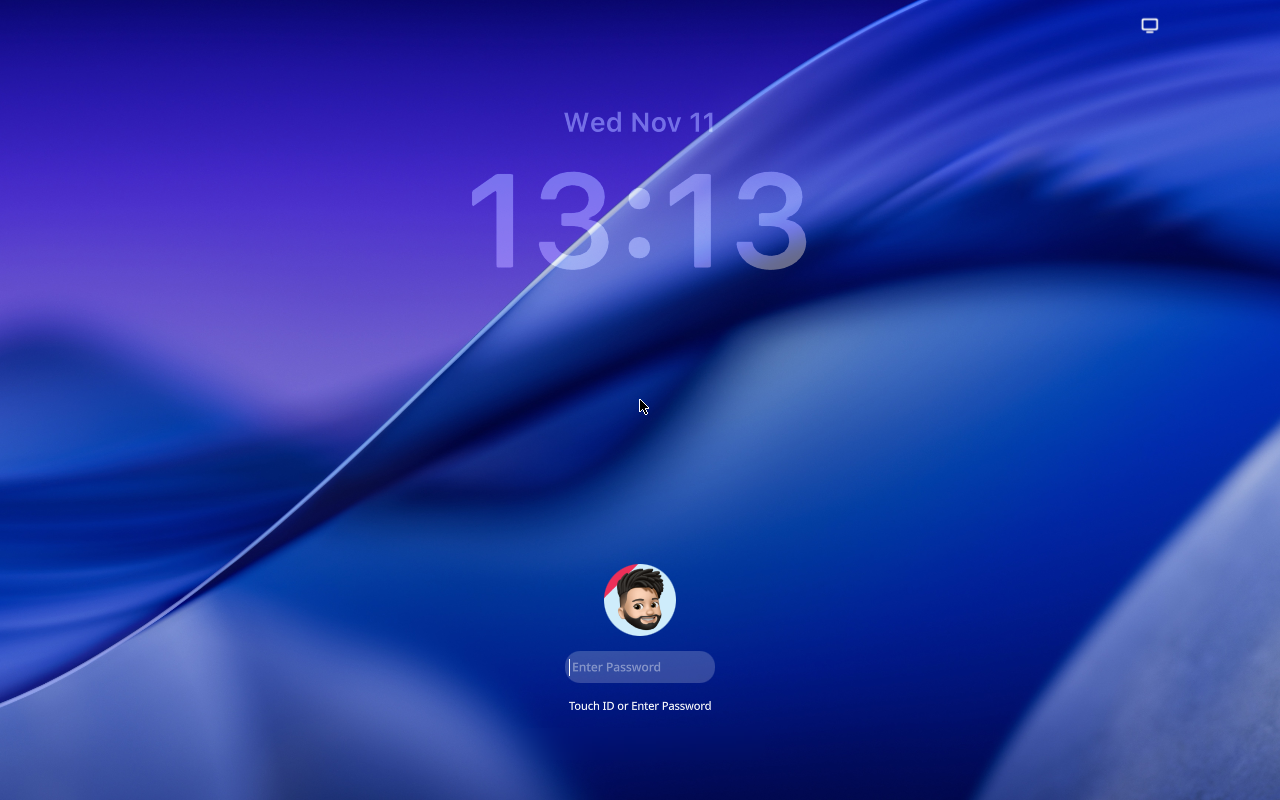
540s— Login screen —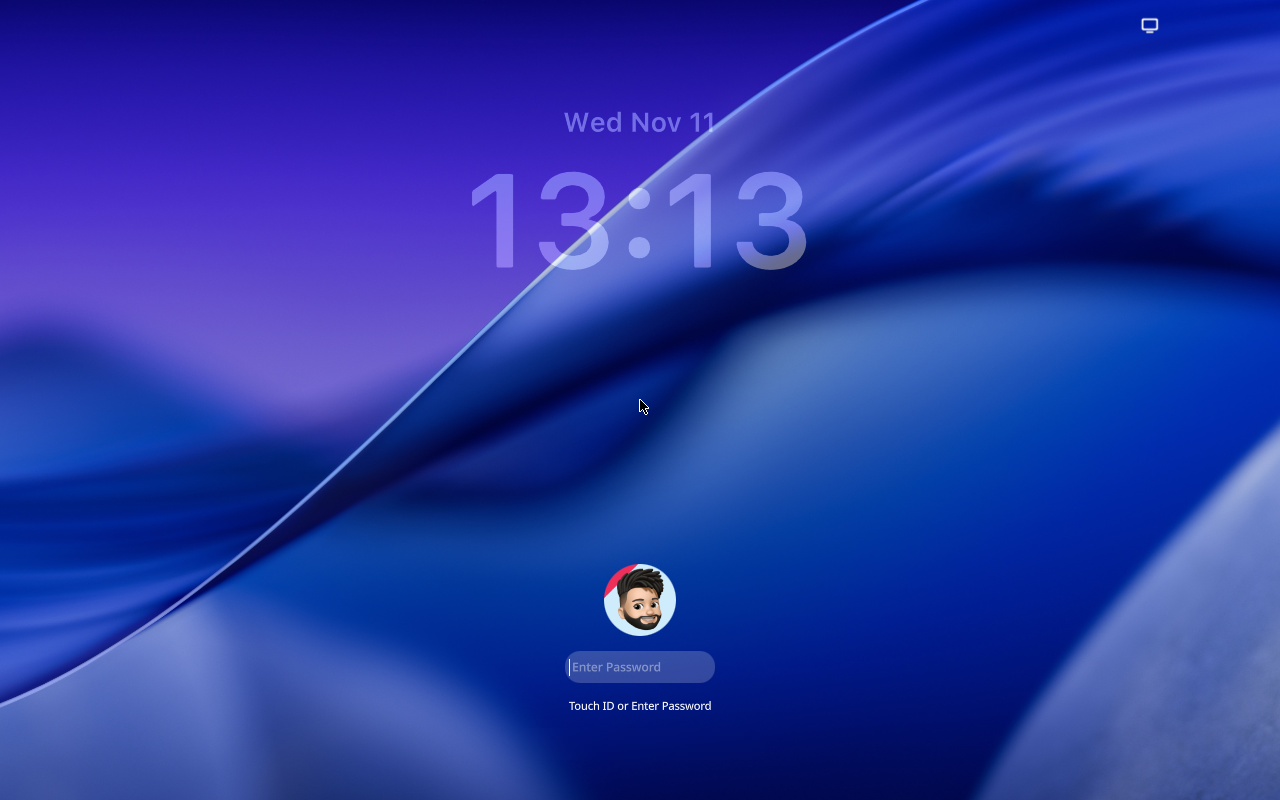
550s— Logging in —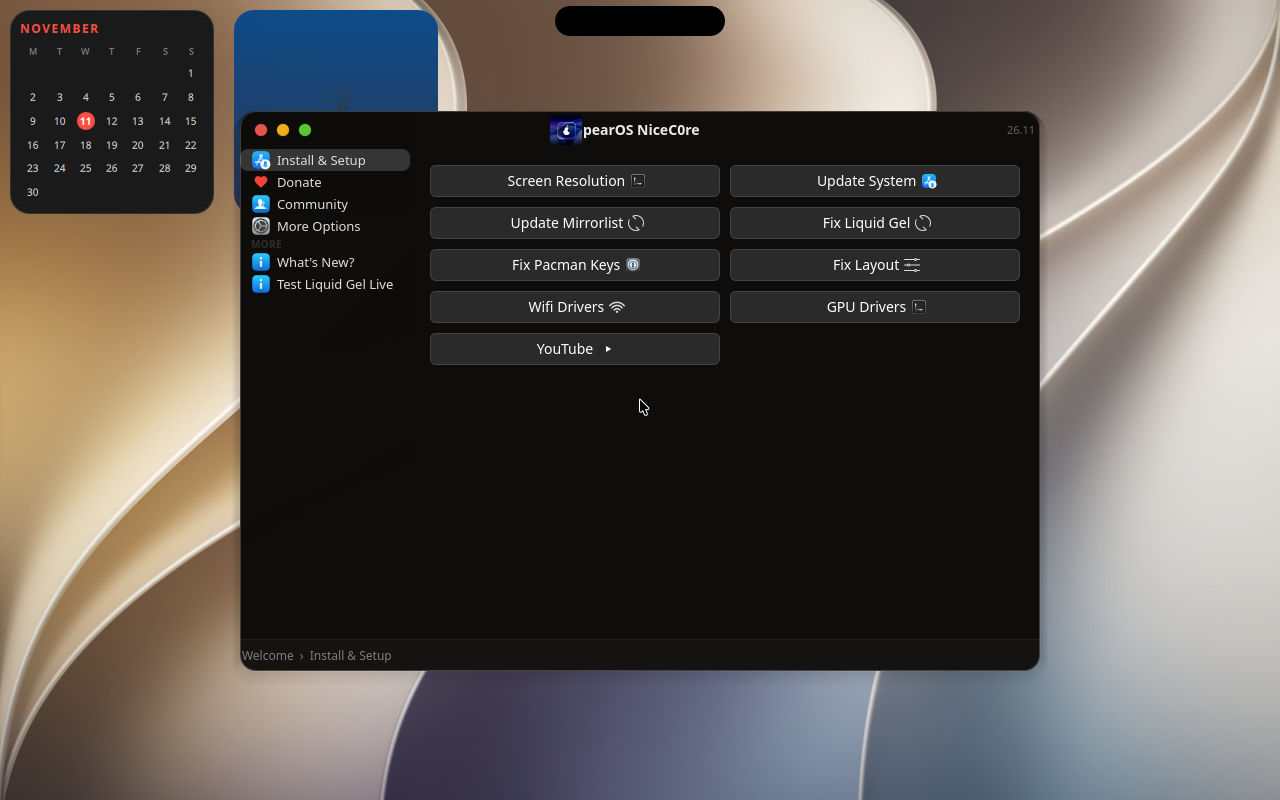
560s— Logging in —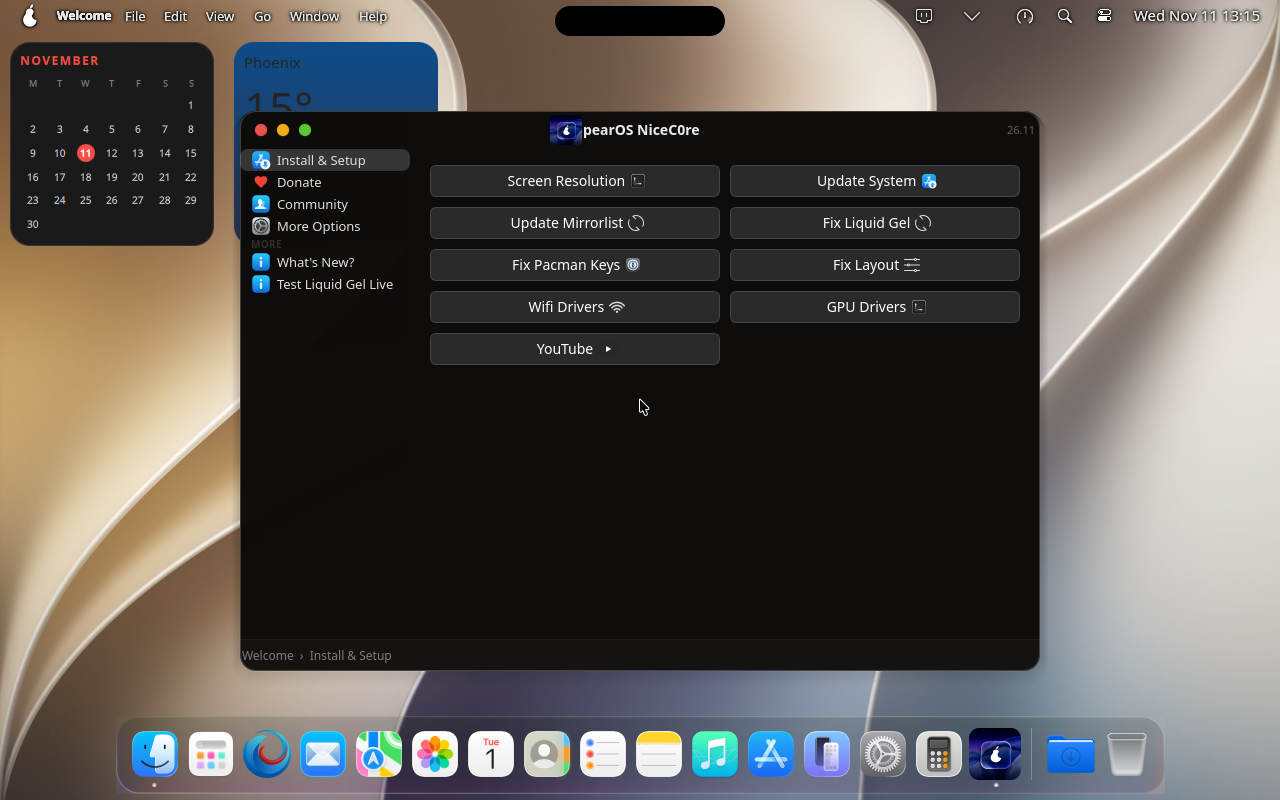
570s— Logging in —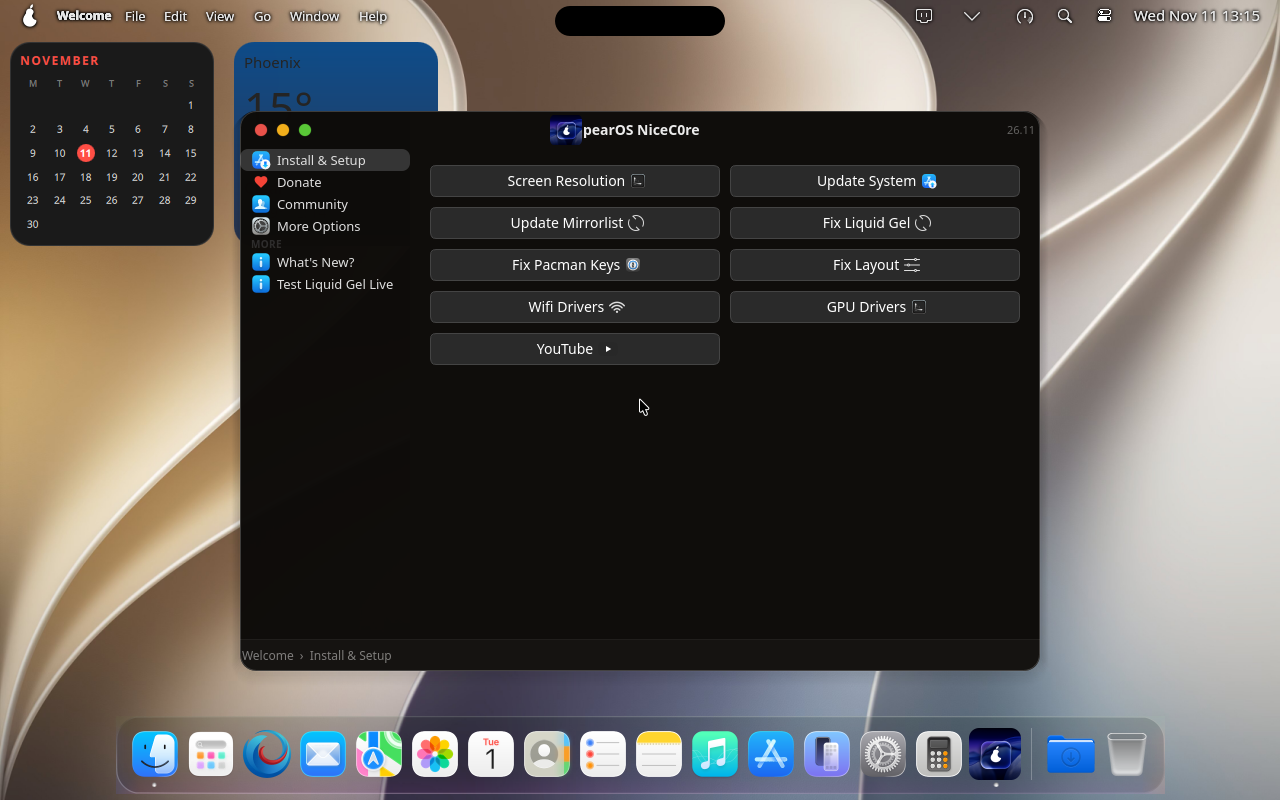
580s— Logging in —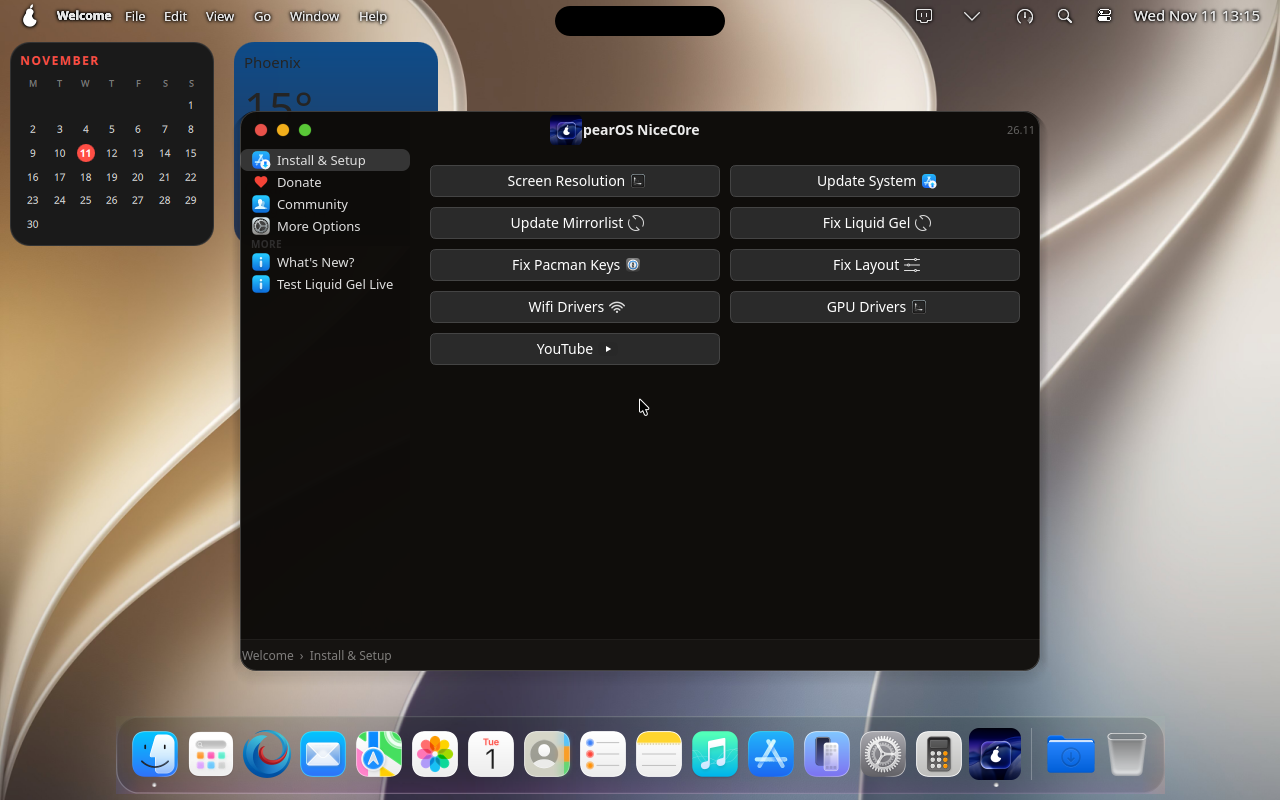
590s— Logging in —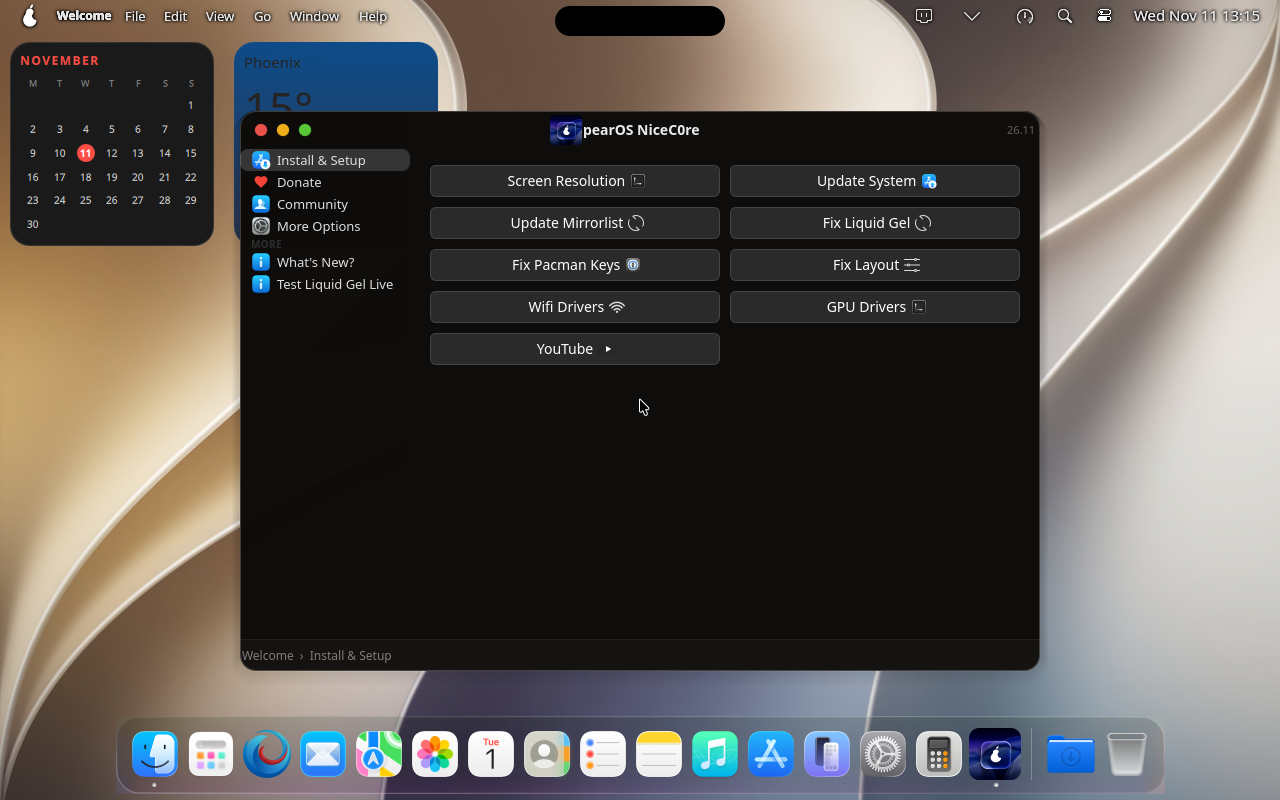
600s— Logging in —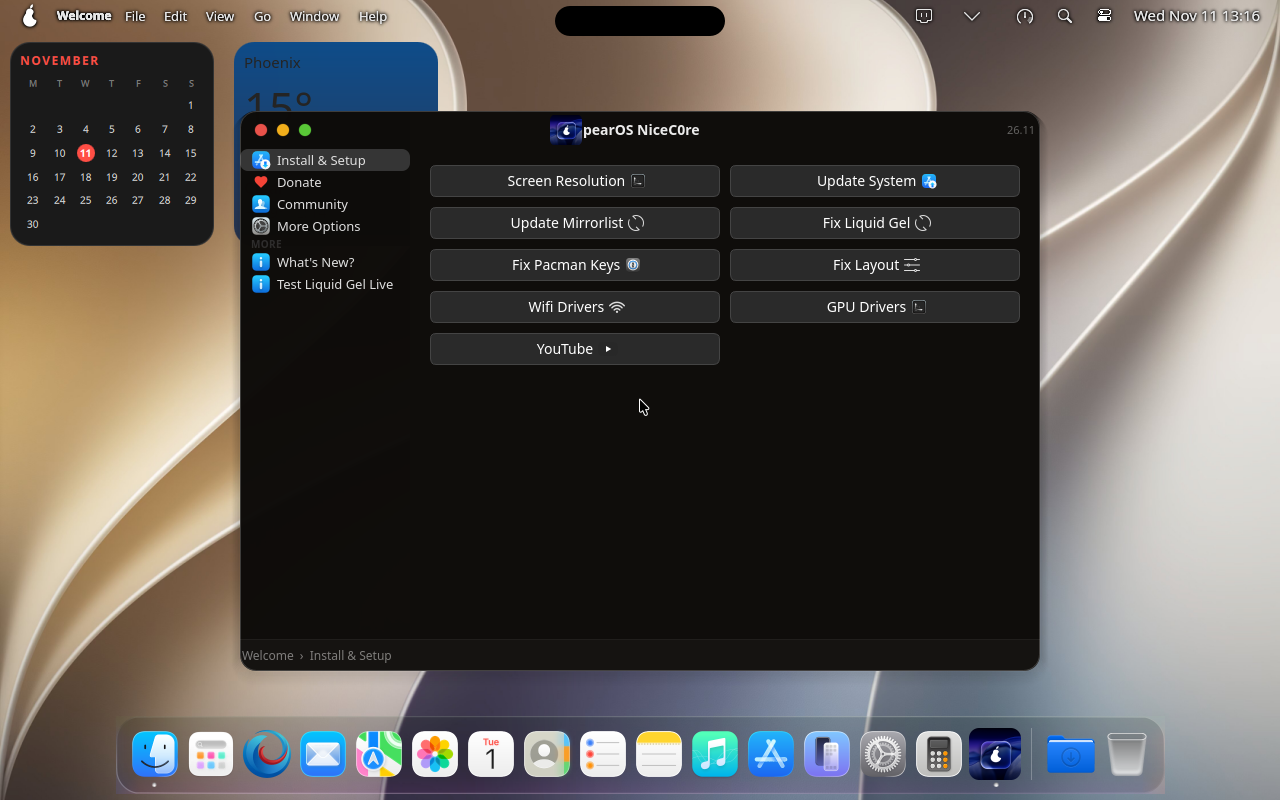
610s— Logging in —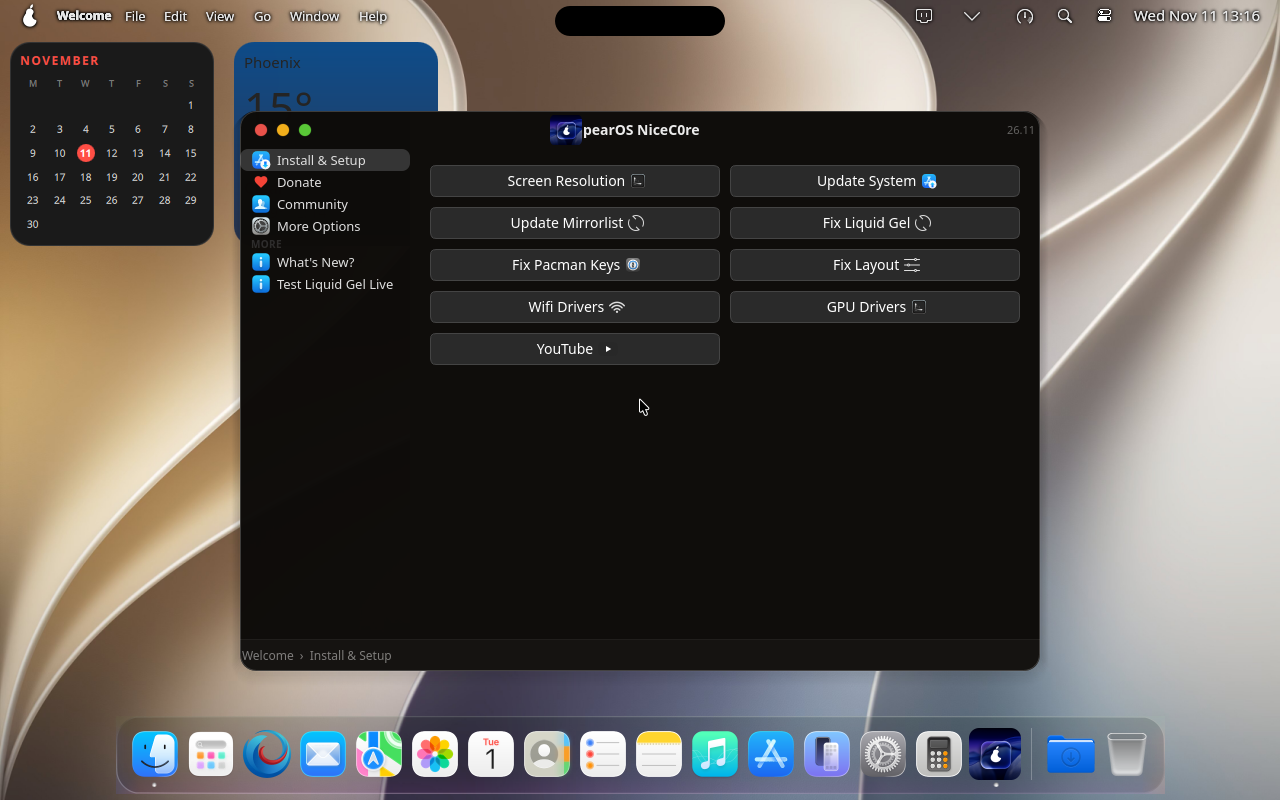
620s— Installed system: desktop —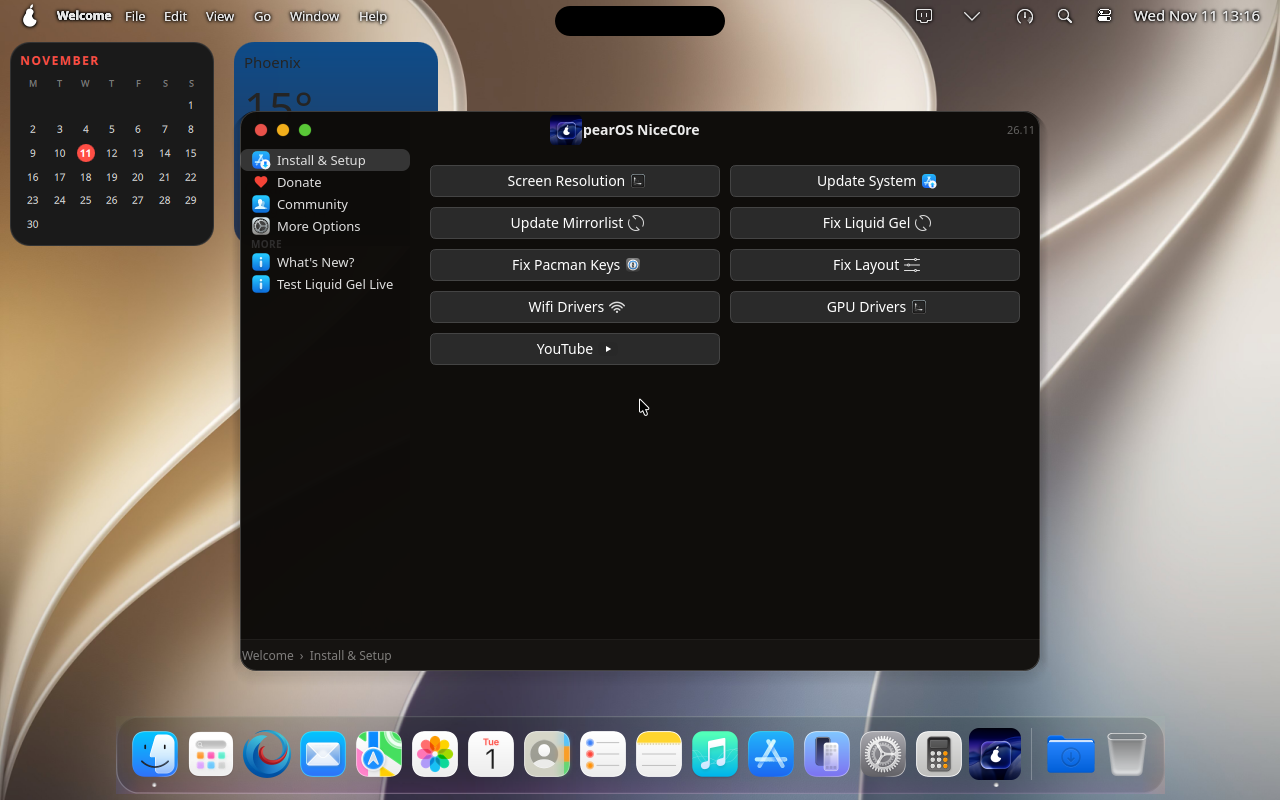
630s— Konsole opened —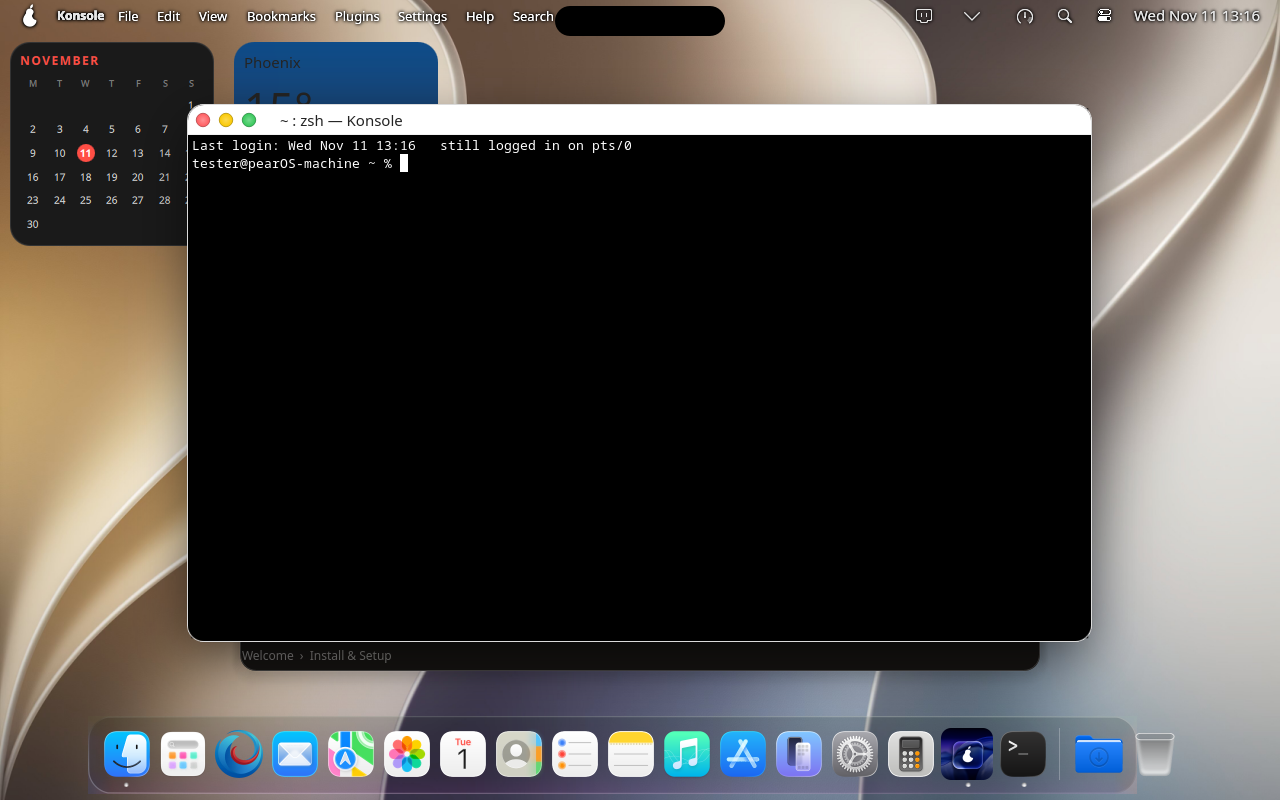
640s— Konsole: fastfetch —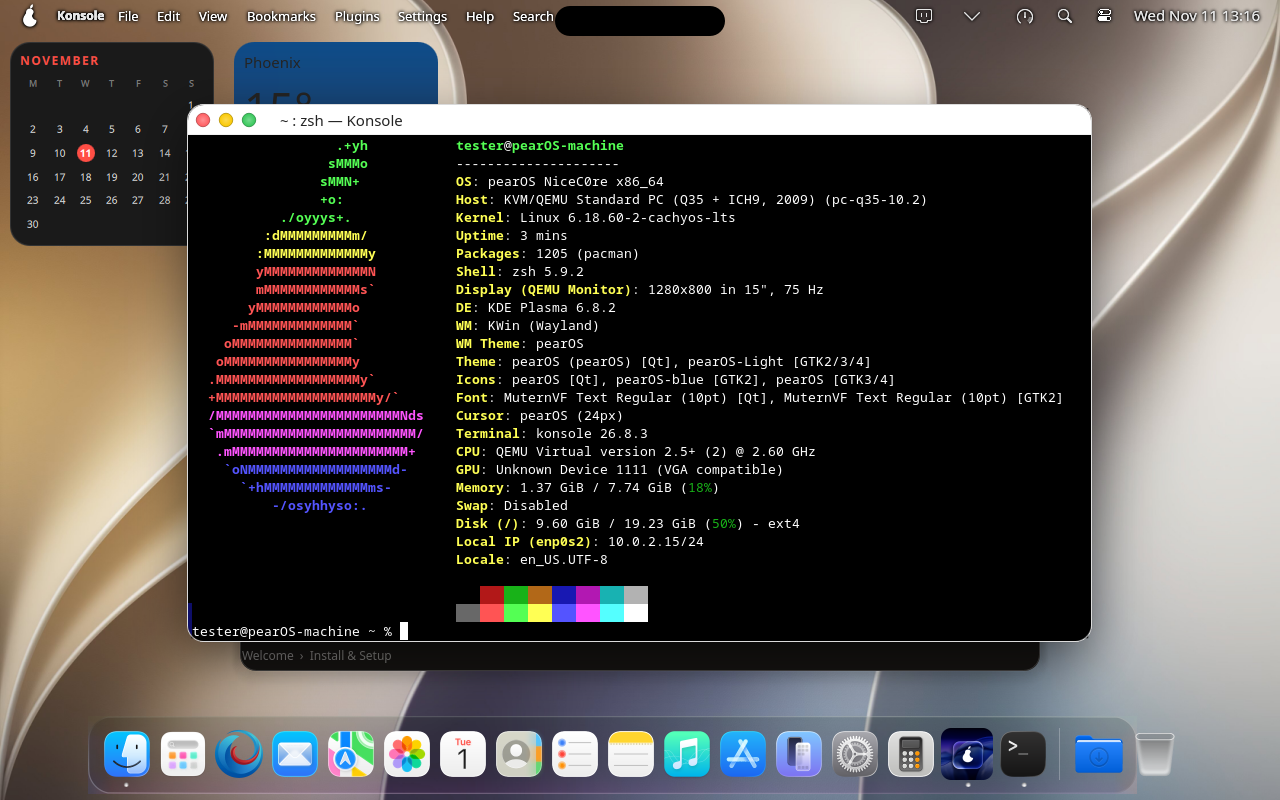
650s— Konsole: pacman -Syyu succeeded —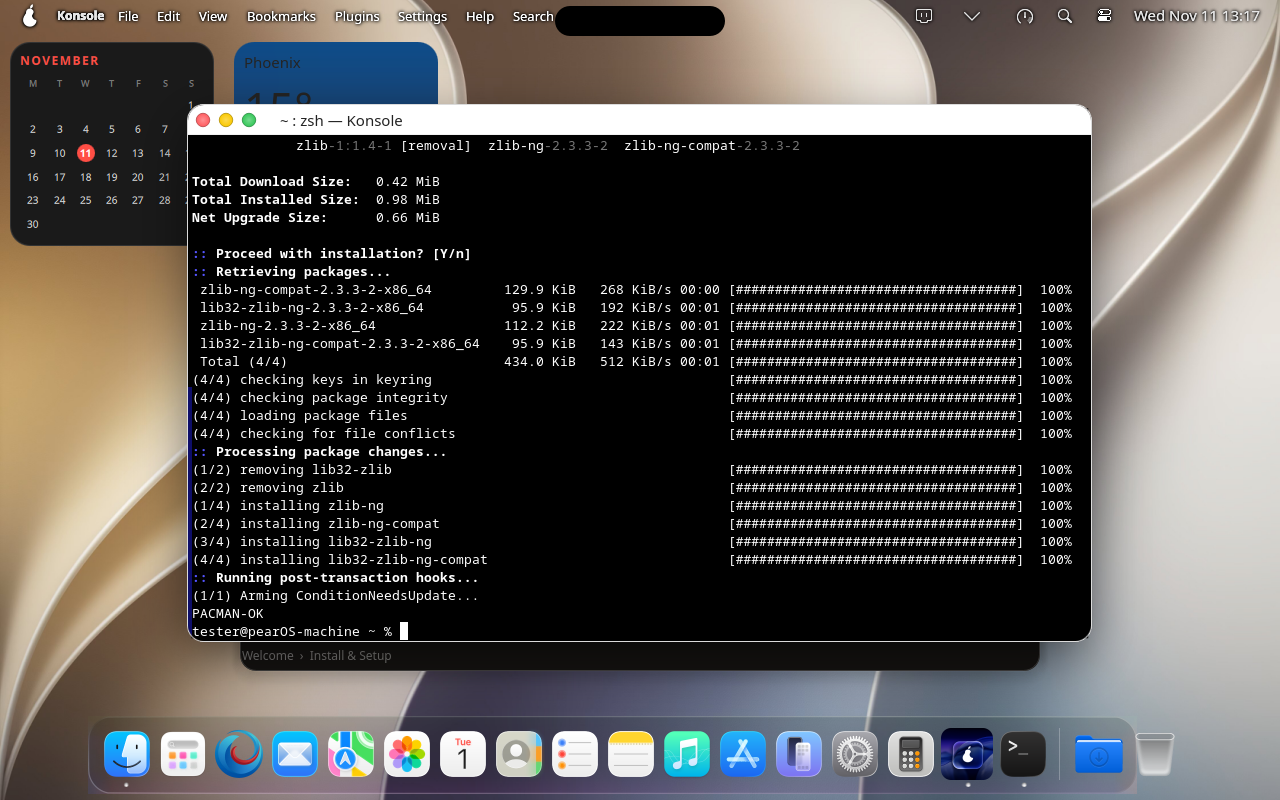
660s— App: Seafari opened —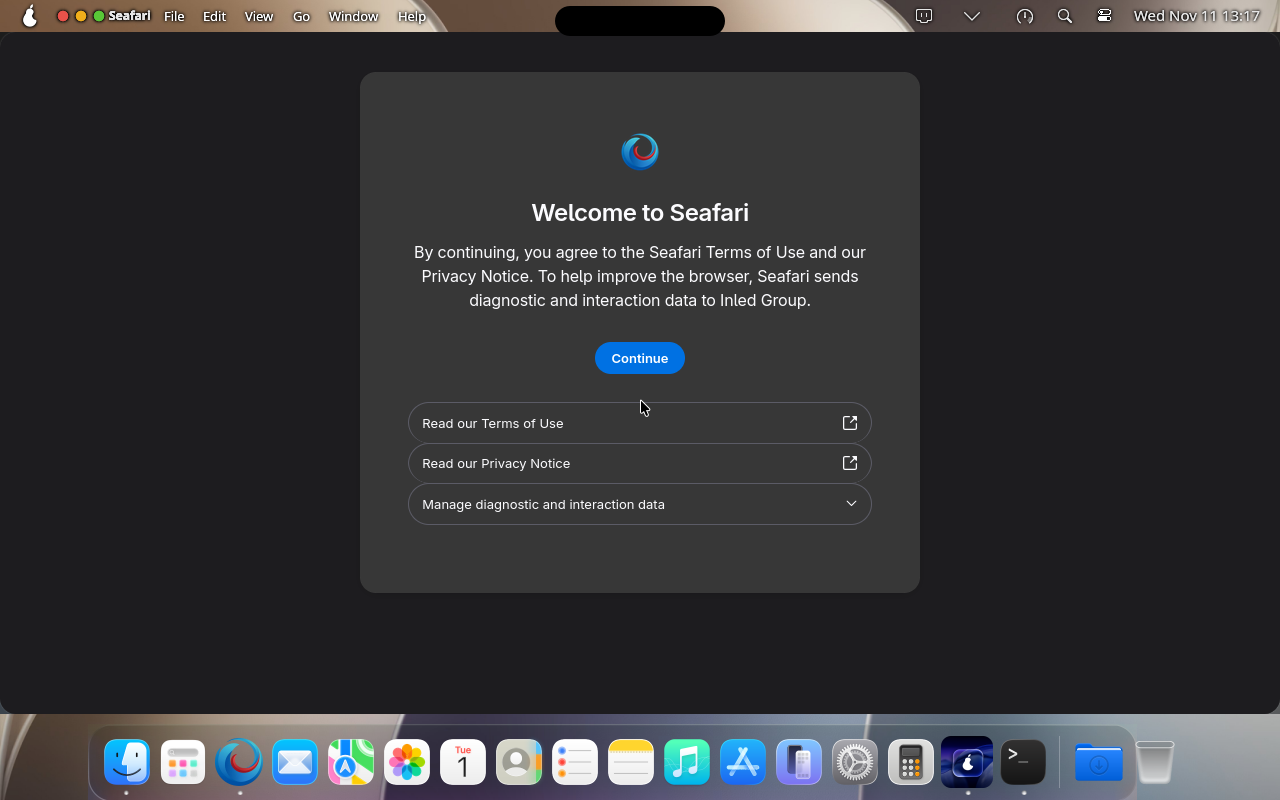
670s— App: Calculator opened —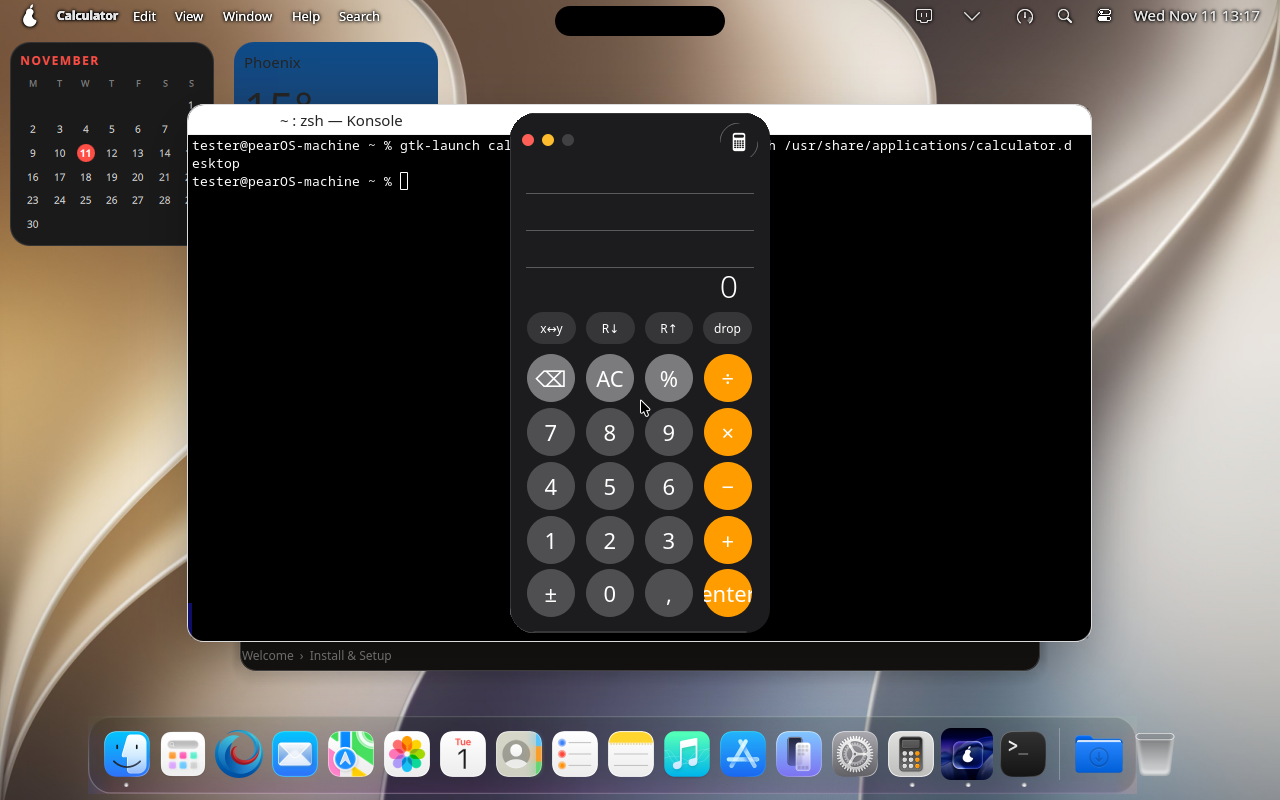
680s— App: Notes opened —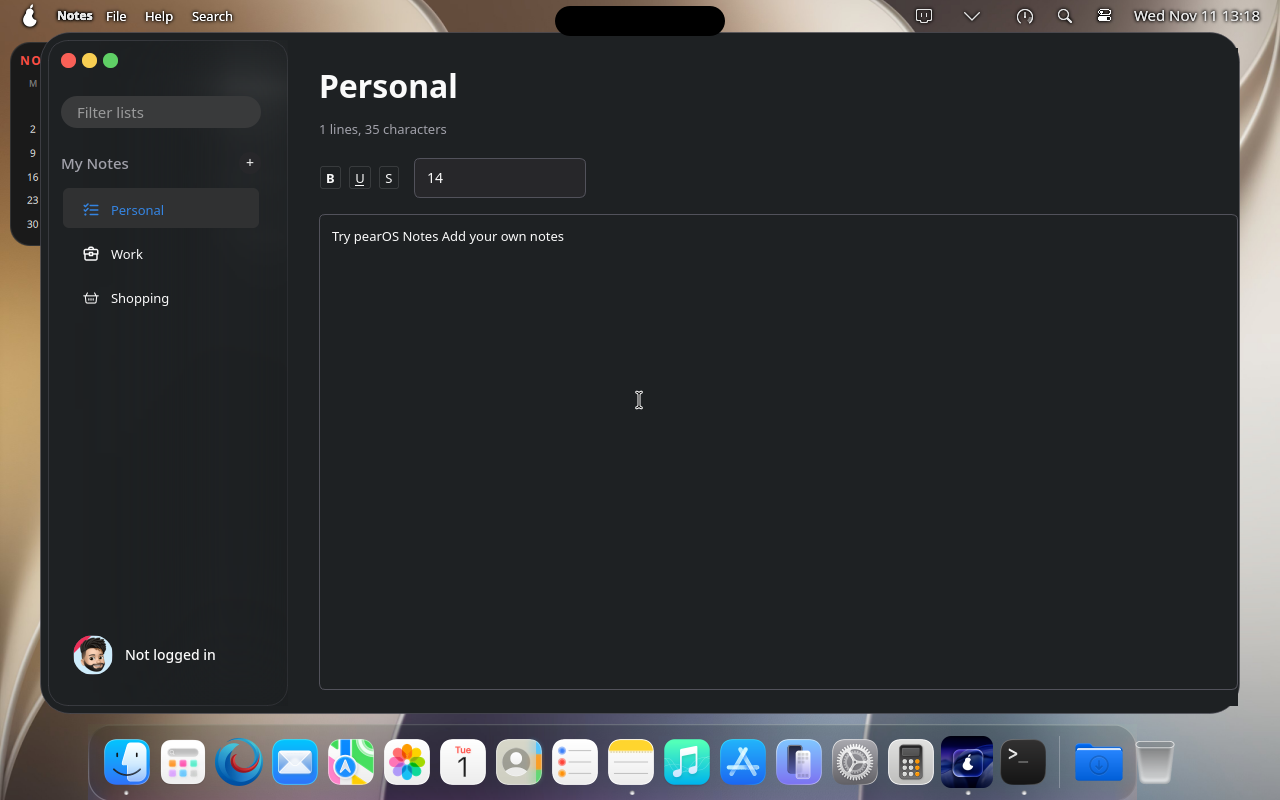
690s— App: Finder opened —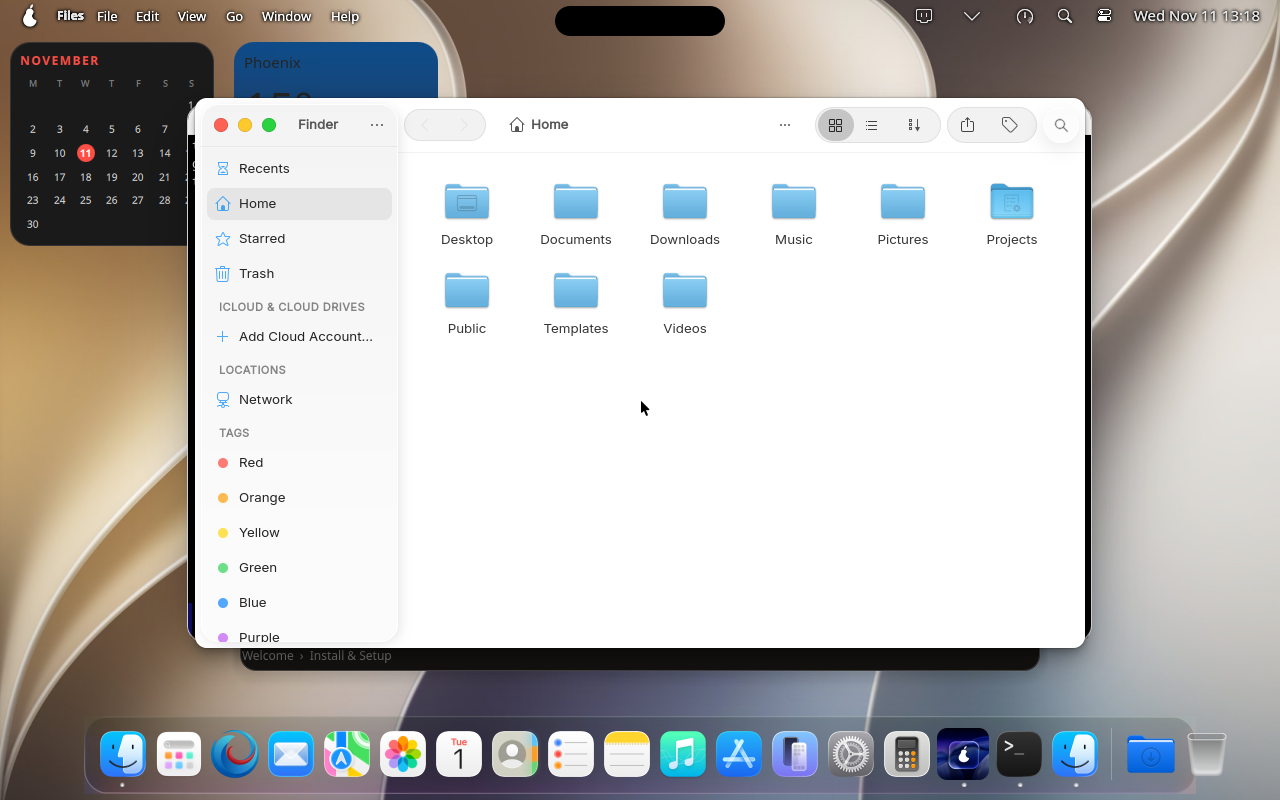
700s— App: Kate opened —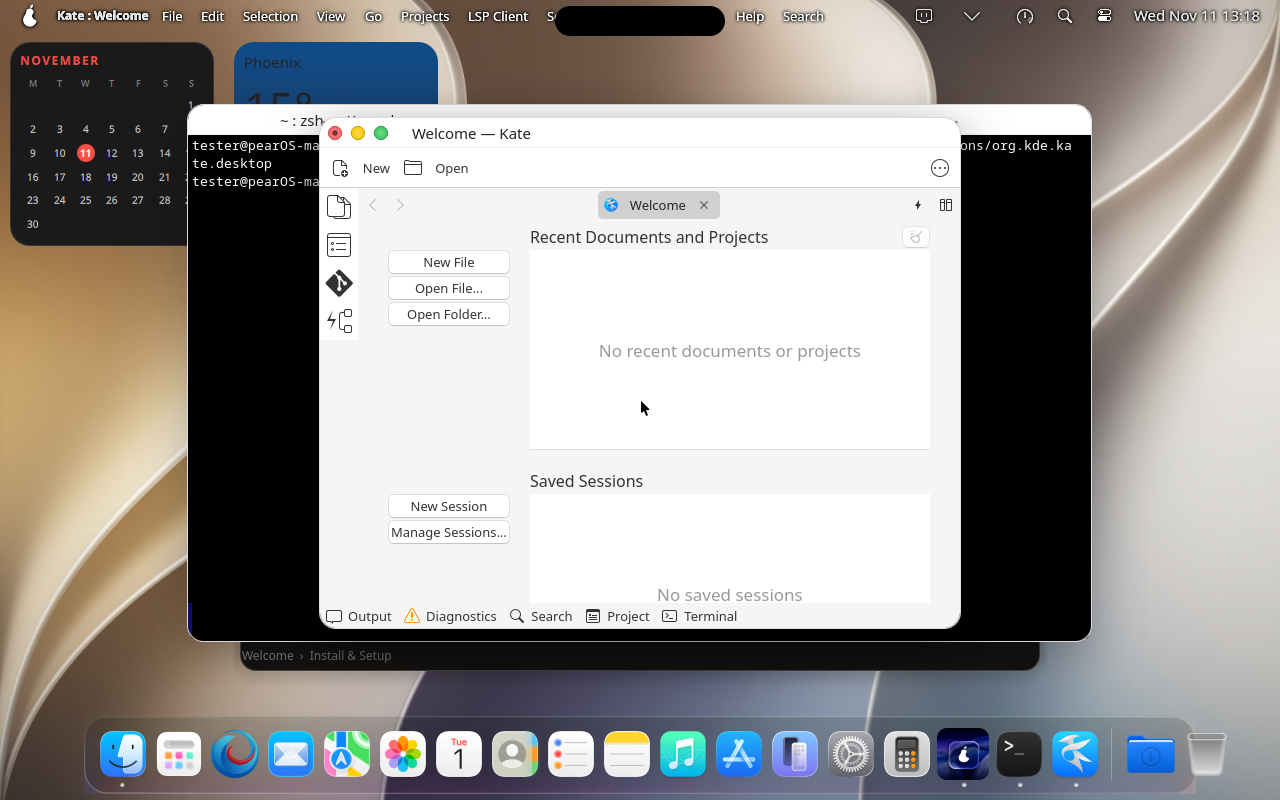


Result: menu bar + dock look as expected ✅
Compared against the reference tests/ui-reference/desktop.png (% of pixels within ±16 per channel; pass ≥ 90%).
| Area | Similarity |
|---|---|
| Top bar (first 30 px) | 95.8% |
| Dock (last 100 px) | 100.0% |
Current frame: 
This project is released under the GNU Pubilc License v3 or later.
Copyright: Alexandru Balan @ Pear Software and Services S.R.L. based in Romania, Dacia Boulevard 133, floor D, Sector 2, Bucharest CIF: 50888207