
Data table and data grid components built with shadcn/ui, featuring sorting, filtering, pagination, infinite scrolling, and real-time collaboration.
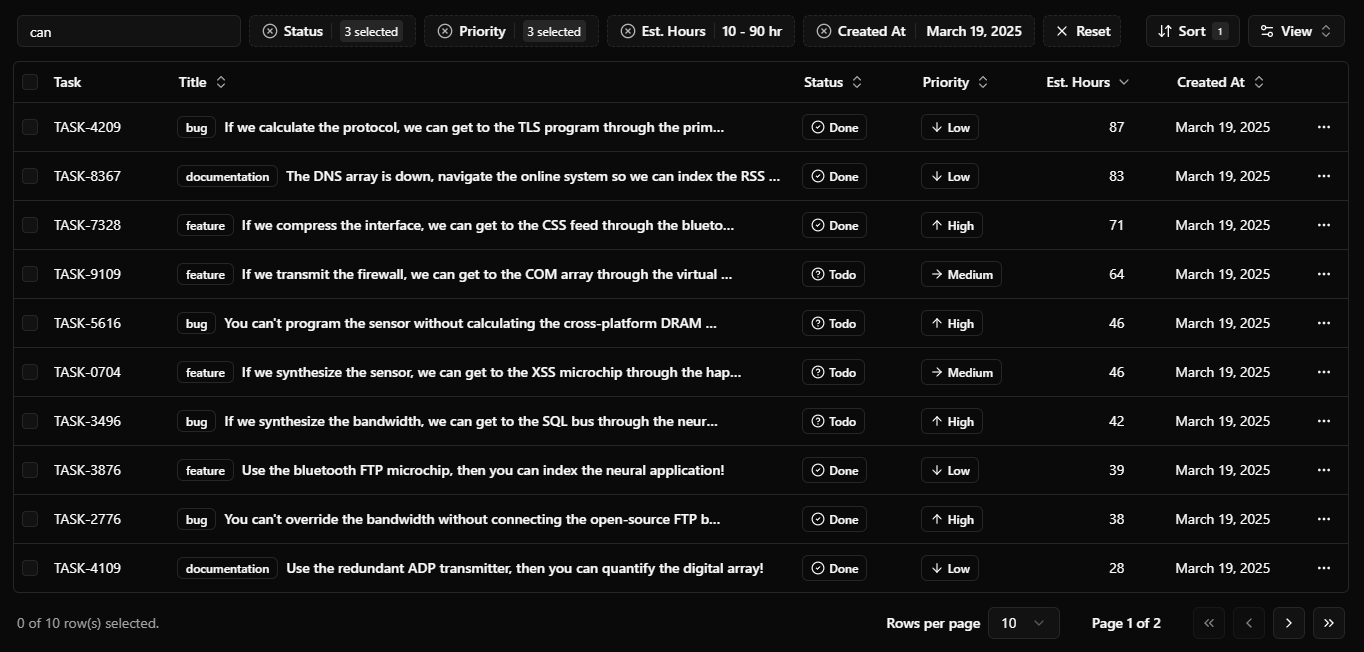
See the documentation to get started.
- Framework: Next.js
- Styling: Tailwind CSS
- UI Components: shadcn/ui
- Table: TanStack Table
- Reactive store: TanStack DB
- Database: PostgreSQL
- ORM: Drizzle ORM
- Validation: Zod
- Multiplayer: PartyServer on Cloudflare Durable Objects
- Server-side pagination, sorting, and filtering
- Customizable columns
- Auto generated filters from column definitions
-
Notion/Airtablelike advanced filtering -
Linearlike filter menu for command palette filtering - Action bar on row selection
- Infinite scrolling with virtualization
- Real-time collaboration
-
Clone the repository
git clone https://github.com/sadmann7/tablecn cd tablecn -
Copy the environment variables
cp .env.example .env
-
Run the setup
pnpm ollie
This installs dependencies, starts the Docker PostgreSQL instance, pushes the schema, and seeds sample data.
-
Clone the repository
git clone https://github.com/sadmann7/tablecn cd tablecn -
Install dependencies
pnpm install
-
Set up environment variables
cp .env.example .env
Update
.envwith your database credentials. -
Start the database and dev server
pnpm db:start   # start the PostgreSQL container
pnpm db:setup   # push schema and seed data
pnpm dev        # start the Next.js dev server
To run the multiplayer demo locally:
pnpm dev:multiplayer
This starts the Next.js dev server and the PartyServer worker (via wrangler dev) concurrently. Each room keeps its rows in its Durable Object's storage and seeds them the first time it's opened, so no database is needed.
Rooms are temporary: each one resets to fresh seed rows 10 minutes after its last user leaves. When two people edit the same cell at once, the last write wins.
Follow the deployment guides for Vercel, Netlify, and Docker.
The multiplayer demo runs on PartyServer as a Cloudflare Worker with Durable Objects, deployed separately to your Cloudflare account:
pnpm deploy:multiplayer
Set NEXT_PUBLIC_PARTYKIT_HOST in your deployment environment variables to the worker's host (for example tablecn.<your-subdomain>.workers.dev) after deploying.
- shadcn/ui - For the initial implementation of the data table.