

Fast, resumable downloads, torrents and one-click video grabbing — right from your browser.
Homepage · Download · Features · Browser integration · Build · Translations · Reddit · Code signing policy

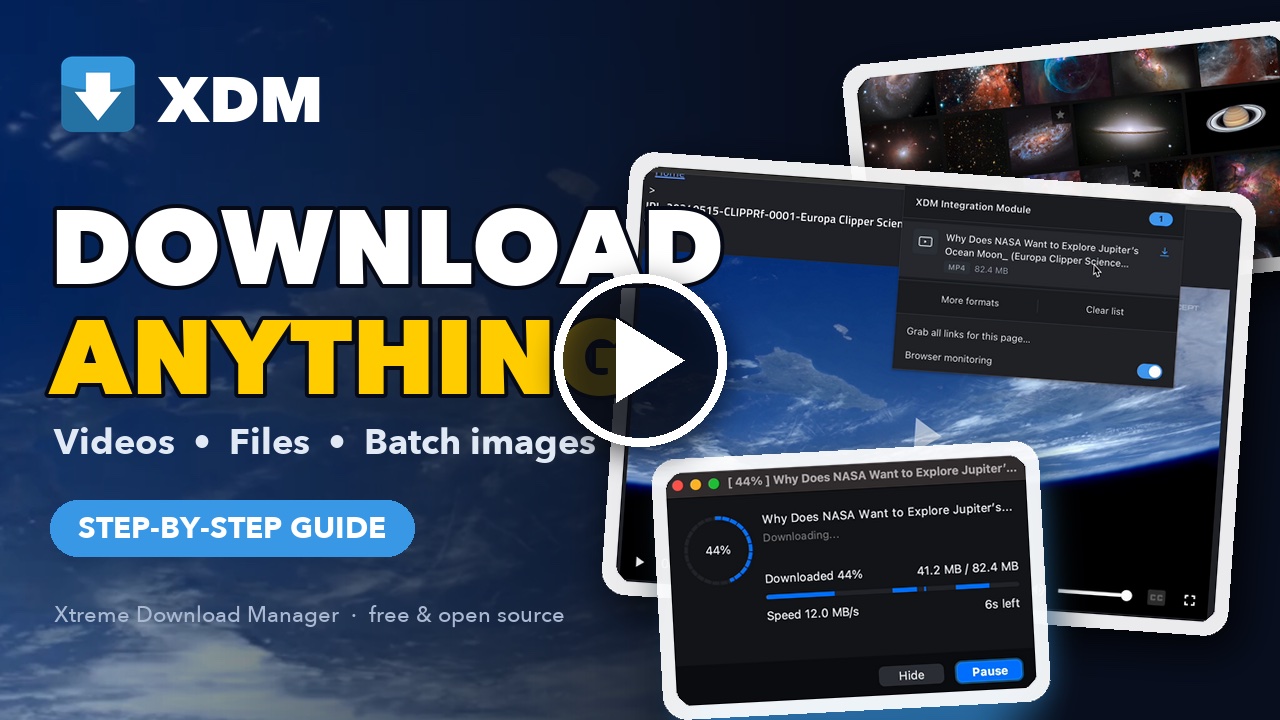
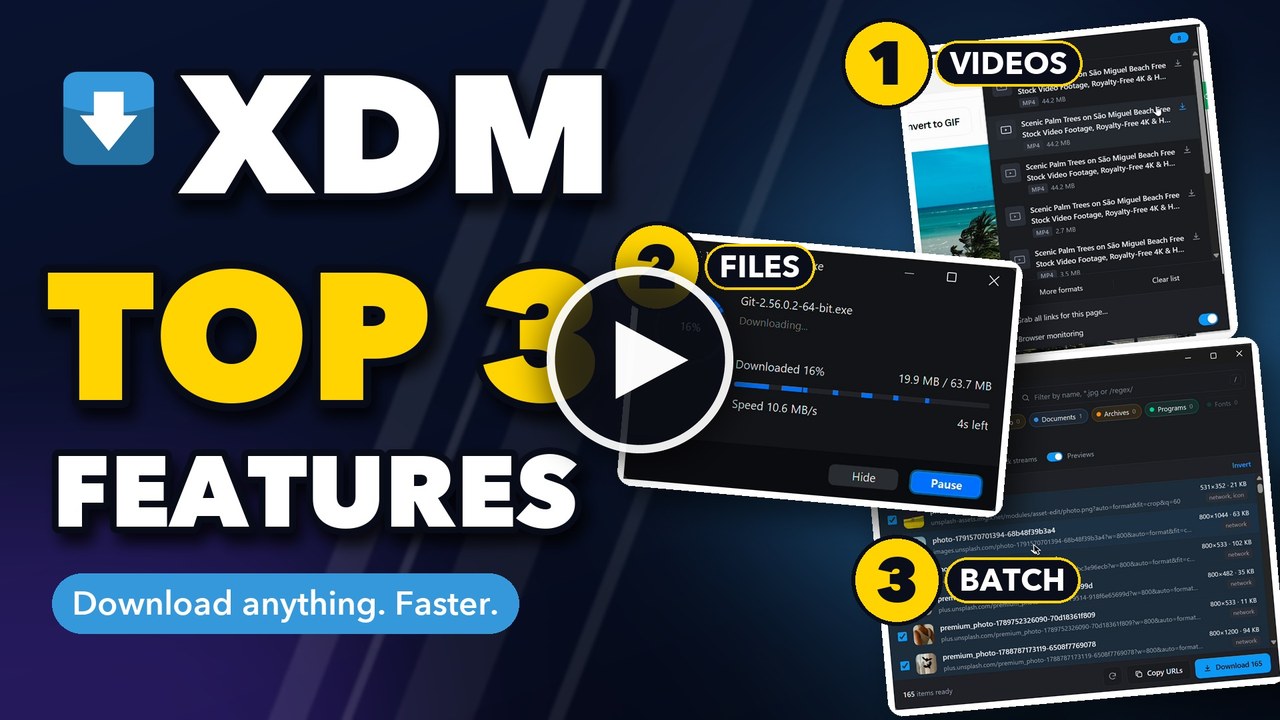
Setup guide · Top 3 features
Xtreme Download Manager (XDM) speeds up downloads by splitting them across multiple connections, saves videos from streaming sites, downloads torrents and magnet links, and picks up broken downloads exactly where they left off. A companion browser extension hands downloads and detected videos straight to the app, so you never have to copy a link by hand.
Wondering why you'd still want a download manager on a fast connection? Read Why use a download manager in an age of fast internet?
Note
As of 2026 XDM is being rebuilt and is in active development.
Caution
Download XDM only from official sources. Get the official installers from the download page on xtremedownloadmanager.com or GitHub releases. Copies offered by other websites, mirrors or "download portals" may be outdated, bundled with adware, or tampered with.
Warning
A note for contributors: XDM is going through a major rewrite, and the code is being restructured often. Pull requests made now may need a lot of rework, or no longer apply after the next round of changes. Please hold off on code contributions until things settle down. Translations, bug reports and feature ideas are very welcome in the meantime. Thank you for your patience and support!
| Main window | New download |
|---|---|
 |
 |
| Download progress | Download complete |
 |
 |
| Videos detected by the extension | Video download |
 |
 |
| Download all links on a page | Pick what to grab |
 |
 |
| Batch download | HLS / DASH stream download |
 |
 |
XDM 9 is a ground-up rewrite. Highlights:
- Writes straight to the final file: HTTP downloads go directly into your download folder, with no temp copy and no slow "assembling" step at the end. Large files finish the moment the last byte arrives.
- Better HLS and DASH: more reliable stream detection, a choice of quality and audio track, and muxing to MP4
without ffmpeg. You can also grab subtitles as
.srt, timed to match the video. - Torrents: open a
.torrentfile, a link to one, a magnet link or an info-hash, pick the files you want and download them in order if you like. XDM keeps seeding until a ratio or time limit, and its BitTorrent settings cover DHT, peer exchange, port forwarding (UPnP/NAT-PMP), encryption, speed limits and extra trackers. XDM can be chosen as the app for magnet links and.torrentfiles. - Bulk downloads: right-click → Download all with XDM to grab every PDF, image or video on a page. You can also save a social media profile's videos and images in one go, with video and audio merged into ready-to-play MP4s.
- On the Chrome Web Store: install the browser extension with one click.
- Modern UI: a refreshed light and dark theme, runs natively on Wayland, a native macOS build (Apple Silicon and Intel) and Windows on ARM64 support.
- Command-line mode:
xdm-app --headless -o <folder> <url>downloads HTTP, HLS, DASH and torrents (magnet links,.torrentfiles and links) from a terminal, with a quality pick (-q best|720p|audio). It can run alongside the app. - Download categories: rules sort each download into a category and folder. You can change the folder or restart a download from the list.
- Disk errors never restart from zero: a full disk or a missing folder stops the download and keeps its progress.
- Checksum verification: check a finished file's hash from the download-complete window or the download's properties.
- Safer downloads: finished files are marked as coming from the internet (Mark-of-the-Web on Windows, quarantine on macOS), so SmartScreen and Gatekeeper still check them. You can turn this off in settings.
- NTLM authentication: works with Windows/IIS servers and corporate proxies that require NTLM.
| ⚡ Faster downloads | Multi-connection segmented downloading to make the most of your bandwidth. |
| 🧩 Browser integration | Works with Chrome, Firefox, Edge and other popular browsers: XDM takes over downloads from the browser automatically, so every file gets the speed boost without copying a link. |
| 🎬 Video grabber | Detects and saves videos from streaming sites, including HLS (.m3u8) and MPEG-DASH (.mpd) streams, muxed to MP4 with no external tools. Pick a subtitle track and get it as an .srt file, timed to match the video. |
| 🧲 Torrents | Download from .torrent files, torrent links and magnet links: choose which files to get, follow peers, trackers and progress per torrent, and seed with ratio and time limits. |
| 🔁 Resume anything | Recovers downloads interrupted by network drops, crashes or power loss; refresh expired links without starting over. |
| 📱 Bulk social media downloads | Save every video and image from a social media profile in a single click. Video and audio tracks are merged into ready-to-play MP4s, and ads are left out. |
| 📦 Batch downloads | Grab every PDF on a page or a whole gallery of HD wallpapers at once: right-click → Download all with XDM, filter by type, size or name, and save them all into a single folder. |
| 🗓️ Scheduler & queues | Start and stop downloads on a schedule, limit parallel downloads, shut down when done. |
| 📋 Paste from clipboard | Add one link or a whole list of links straight from the clipboard. |
| 🌐 Proxies & auth | HTTP and SOCKS proxies, and server/proxy authentication. |
| 🛡️ Antivirus scan | Optionally scan finished downloads with your antivirus. |
| 🖥️ Cross-platform | Native-feeling app on Windows, macOS and Linux, with light and dark themes. |
XDM works with Chrome, Firefox, Edge, Opera, Vivaldi, Brave and other Chromium- and Firefox-based browsers.
| Browser | Extension |
|---|---|
| Install XDM for Chrome | |
| Install XDM for Firefox |
The extension forwards downloads and detected media to the running app over a local-only connection
(127.0.0.1:8597); nothing leaves your machine.
Requirements: JDK 25 (configured as a Maven toolchain) and Maven.
# 1. Point Maven at your JDK 25
cp packaging/toolchains.sample.xml ~/.m2/toolchains.xml   # then edit jdkHome

# 2. Build the app (fat jar: xdm-app/target/xdm-app.jar)
mvn -q -pl xdm-app -am package

# 3. Run it
java -jar xdm-app/target/xdm-app.jar
| Module | What it is |
|---|---|
xdm-core |
Download engine (HTTP, HLS, DASH, batch), no UI dependencies, JDK 8 compatible |
xdm-app |
Swing desktop app (FlatLaf) and browser-integration server |
browser-extension |
Chrome and Firefox extensions |
Contributing? Commits need a DCO sign-off (see CONTRIBUTING.md). Install the hook that adds
it for you, once per clone. It signs with the user.name and user.email from your git config, and works with
GitHub Desktop and other tools that have no sign-off option:
# macOS / Linux
cp .githooks/prepare-commit-msg .git/hooks/ && chmod +x .git/hooks/prepare-commit-msg
:: Windows (Command Prompt)
copy .githooks\prepare-commit-msg .git\hooks\
Questions, tips or need help? Join the XDM community on Reddit: r/xtremedownloadmanager. Bug reports and feature requests are welcome on GitHub Issues.
Want XDM in your language? Translations are welcome. Translate in the browser on Weblate, and preview your work in XDM before it ships. See TRANSLATING.md.
- Windows: Settings → Apps → Installed apps → Xtreme Download Manager → Uninstall.
- macOS: quit XDM, then drag
xdm-appfrom Applications to the Trash. - Linux:
sudo apt remove xdm-app(Debian/Ubuntu),sudo dnf remove xdm-app(Fedora) orsudo pacman -R xdm-app(Arch).
Uninstalling keeps your settings and download list. To remove them too, delete the data folder:
%LOCALAPPDATA%\xdm-app (Windows), ~/Library/Application Support/xdm-app (macOS) or
~/.local/share/xdm-app (Linux).
Free code signing provided by SignPath.io, certificate by SignPath Foundation. Who builds, reviews and approves signed releases: see the code signing policy.
XDM has no accounts, analytics or tracking, and keeps your data on your computer. See the privacy policy.
XDM is free software, licensed under the GNU General Public License v3.0. XDM 8 and earlier were released under GPL v2.
The download engine (xdm-core), the modules shared with the Android app and the Android app itself
(xdm-android) are GPL v3 with the additional terms in xdm-android/NOTICE. Those
terms cover the XDM name and logo, and include an exception that lets only the official Android store builds (Google
Play and similar stores) combine this code with proprietary components.
The F-Droid build and the APKs on GitHub releases are pure GPL v3: they are built from this public source code alone and contain no proprietary components. The exception does not apply to them, nor to any build you make yourself from the source.
xdm-core versions up to 9.0.9 were released under the Apache License 2.0 (see its NOTICE). The
desktop app (xdm-app) and the browser extensions are under GPL v3.
XDM is a general-purpose download manager intended for lawful use only.
- XDM does not support downloading from YouTube.
- XDM does not support DRM-protected content and does not circumvent DRM or any other technical protection measure.
- Use XDM only to download content that you own or are authorized to download, in compliance with applicable laws and the terms of service of the websites you use.
- The XDM authors and contributors do not endorse, encourage, or condone copyright infringement or any other unlawful use of this software.
- XDM is provided "as is", without warranty of any kind, as set out in its license. The authors and contributors are not responsible or liable for how users use the software, or for any loss or damage arising from its use.
- XDM is not affiliated with, endorsed by, or sponsored by YouTube, Google, or any other website or service it may be used with. All trademarks belong to their respective owners.
Made with ☕ by subhra74 and contributors · xtremedownloadmanager.com